

Instagram is not just about photos anymore. Instead, the way your caption and bio look also matters a lot these days. Why? Because people now understand that images alone don’t shape your identity on social media. The words you choose and the way they are placed also reveal your personality. But unfortunately, Insta doesn’t offer enough formatting options to let you completely control how your text appears in your bio or caption. This is where invisible characters become useful.
In this article, we’ll learn how you can make the most out of them. But before that, let’s first know why you need to use blank spaces on Instagram.
Why Use Invisible Characters In Instagram Captions & Bios?
Here are the common reasons that necessitate using empty characters in Instagram bios and captions:
Enhancing Impression
Everyone wants to create a compelling first impression on their profile, and invisible text helps by adding clean spacing. In simple terms, it allows you to give a minimalistic and professional look to your account by organizing post descriptions and introductory text smartly. Our text: For those who want to fast-track this process, choosing to buy Instagram accounts with active followers is another way to immediately present a profile that already looks established and engaging.
Improving Readability
Since Instagram doesn’t facilitate proper text organization, long captions and bios can look messy. As a result, people may find it hard to grasp the message. But with specialized empty spaces, you can add line breaks to improve the readability of your text.
Controlling Spacing
You often want to place a particular word in the center, right, or separate sections of your caption or bio for emphasis. Invisible characters help you do this by keeping spaces exactly where you need them, allowing you to control how the final version appears.
Adding A Mystery
Sometimes, you wish you could add a mystery to your profile to gain the attention of your followers or random visitors. With blank characters, you can easily create curiosity by making the bio section feel hidden, giving your profile a mysterious touch.
Adding Blank Text To Instagram Captions & Bios: Best Ways
Now that you know where and why to use invisible spaces, let’s learn how exactly you can add them to an Instagram bio or caption.
Generate Empty Spaces On Your PC
If you love doing things manually, the good news is that you can generate invisible text on your own. For that, you need a personal computer, which could be either a laptop or a desktop. Once you turn it on, you’re just required to follow this process to create blank spaces.
- Create a new text file on your PC and simply open it.
- Get a Unicode character with the ability to turn out to be invisible.
- Then, paste the copied code into the newly created text document.
- Press “Ctrl + A” to select the pasted characters.
- Once selected, hit the “Alt” and then “X” keys.
- As you do so, the visible code will become invisible.
- All you need to do is copy it and paste it into your bio or captions.
Capitalize On Invisible Character Tools
Most Instagram users don’t want to be involved in manual hassles. If you’re also among them, using a dedicated empty space generator could be an ideal choice for you. Fortunately, such tools are available freely on the internet and work on all devices, browsers, and operating systems. They usually have pre-generated invisible characters that you can easily copy in a single click and use in your Insta bio and caption wherever you want.
Let’s get familiar with a few of such tools.
DupliChecker – Invisible Text
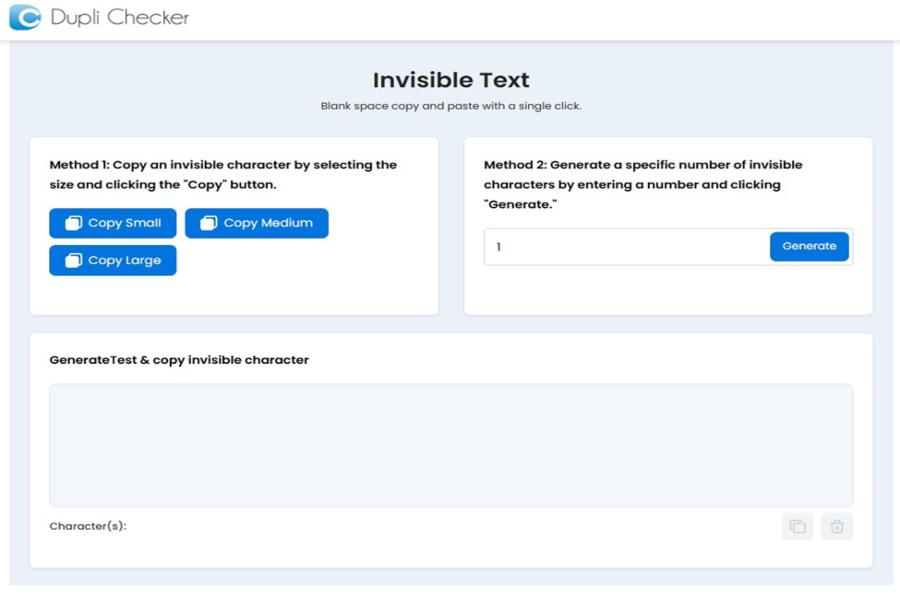
DupliChecker’s invisible text generator lets you copy blank spaces in two simple methods. The first method involves clicking any of the available copy buttons, depending on the size of the characters you need. For instance, you can choose small, medium, or large spaces to fit your bio or caption perfectly. On the other hand, the second one requires you to generate and copy a custom number of blank spaces.
Key Features:
- Clean interface
- No daily limits
- Barrier-free access
TextReverse.com – Invisible Character
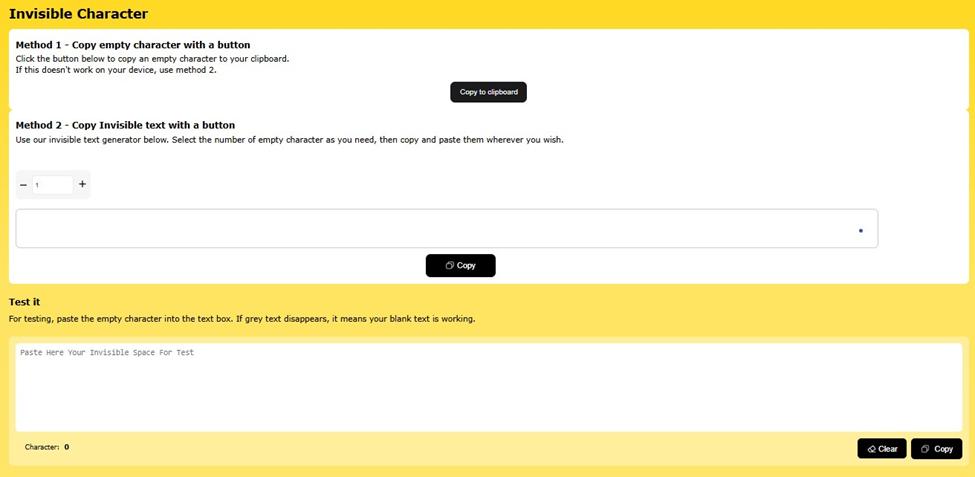
TextReverse.com is another automated tool that lets you quickly add an invisible character to your Instagram captions and bio. It comes with the same copy methods as the previous tool. The only difference is that it doesn’t categorize the copy button based on invisible text size. Also, the tool provides a test box where you can verify that the invisible text has been successfully copied before using it.
Key Features:
- No sign-up requirement
- Unlimited blank spaces
- No ads on the interface
Blank Text By Text Studio
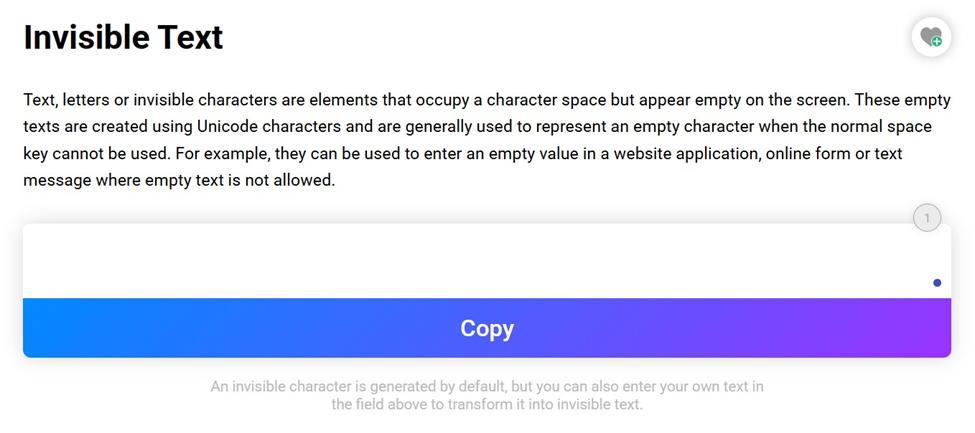
Text Studio is a widely known platform that offers a wide range of text-related tools. Its diverse suite of web utilities also includes a blank text generator, built for basic use. It allows you to copy empty spaces with only one method, which is pressing the copy button highlighted on its interface in purple. As you click it, an invisible character is automatically copied to your clipboard, ready to be pasted directly into your Instagram bio or caption.
Key Features:
- Quick and distraction-free
- No installation is needed.
- Cross-device compatibility
Get An Empty Unicode Character Online
One more possible option to format your bios and captions on Instagram with blank text is using a traditional zero-width Unicode space. This is especially useful for achieving a completely invisible effect in your bio. The good thing is that it’s usually also available on the internet, allowing you to avoid any kind of manual effort.
Here is the complete process of getting this special Unicode text from the web and using it where you want:
- Search “Zero-width space” or “Zero-width character” online.
- Visit any of the top pages in the results and copy it from there.
- Then, return to Instagram and open your bio section.
- Finally, simply paste the copied character and save it.
- Your bio section will start looking hidden or mysterious.
Summing It Up
In a nutshell, you have three main options to add invisible characters to Instagram bios and captions. These include generating blank spaces yourself, using third-party tools, or copying zero-width Unicode characters. Now, it’s completely up to you which method you prefer, taking your convenience and preferences into account.