

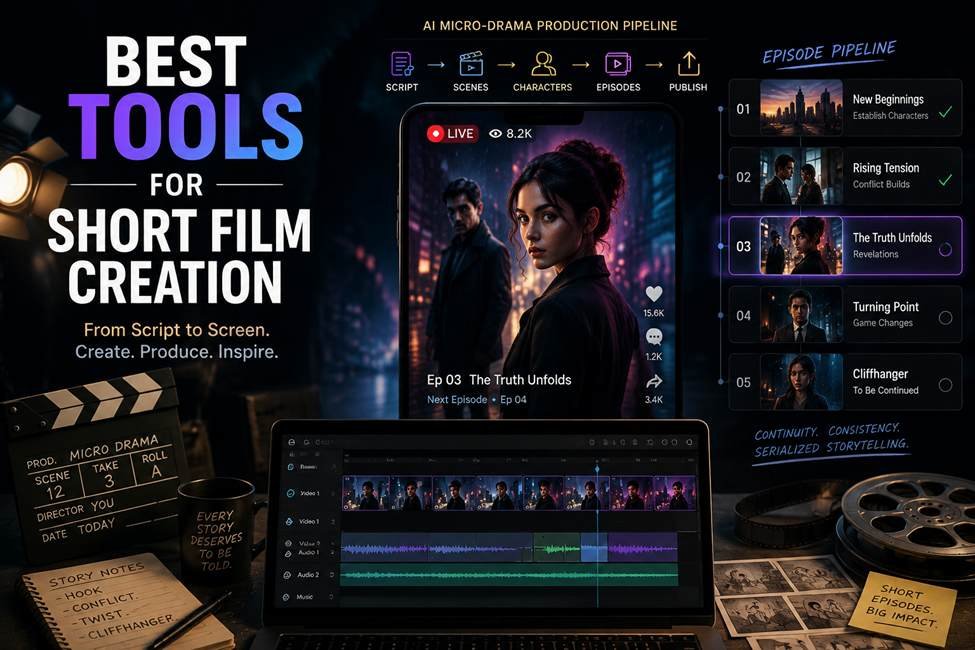
AI short film creation is much easier than it was a few years ago, but making several scenes feel like one film is still hard. A strong clip can fall apart when a face changes, a costume shifts, or dialogue and camera coverage no longer match. In one documented AI microdrama production, a three-person team completed 10 episodes in three days, showing how much faster production can become when planning, generation, and continuity work together.
This list focuses on five tools that help with the real filmmaking problem: turning an idea or script into connected scenes that can be reviewed, revised, and finished.
Best Tools at a Glance
For filmmakers who want one workspace to carry story, cast, locations, shot rules, generation, and editing context, invideo Agent is built around the full project. LTX Studio fits filmmakers who care most about storyboards, camera planning, and model choice. Katalist AI works well for turning scripts into visual boards before moving into video. Mootion is useful for creators who want a faster path from an idea or script to an assembled narrative. Vidu AI stands out when reference-based character and scene consistency is the main need.
The best choice depends on your bottleneck. If continuity is the problem, prioritize memory and references. If planning is slow, focus on storyboards and shot controls. If speed matters most, look for a tool that can build several scenes and audio in one workflow. For a useful trial, test the same short sequence across at least three scenes before deciding.
How We Evaluated These Tools
We compared story development, character consistency, shot control, continuity, audio, editing, ease of revision, and current pricing. We gave more weight to tools that support a short film as a connected project rather than only generating isolated clips.
Comparison Table
| Tool | Best for | Main strength | Pricing |
| Invideo Agent | Full film workflow | Project memory and agent crew | Free access, paid credit plans |
| LTX Studio | Visual planning | Storyboards and camera control | Free, paid from $15/month |
| Katalist AI | Script visualization | Storyboards and custom characters | From $19/month |
| Mootion | Fast story production | Script, scenes, voice, assembly | From $15/month |
| Vidu AI | Reference-led scenes | Character and scene consistency | Free credits, paid credit plans |
1. Invideo Agent
Invideo Agent treats a short film as one project, carrying character, location, shot, and style rules into later scenes. It supports storyboards, planning, generation, effects, and editing. This project memory is especially useful when a film has recurring cast members or locations that need to stay recognizable from scene to scene.
Key features: role-based agents for casting, cinematography, storyboarding, and editing; access to 200+ image, video, audio, and music models.
Kling AI 3.0 can generate native multi-shot sequences for dialogue or action beats with internal cuts. A short reference video can also help keep a character’s face, wardrobe, and voice aligned across scenes. Kling 3.0 also supports native audio and connected shots, making it useful when a sequence needs reactions or back-and-forth exchanges rather than one continuous angle.
Best for: narrative shorts with recurring characters.
Use cases: short films, microdramas, trailers.
Where it falls short: it needs active directing and review.
Pricing: free access is available; paid usage is credit-based starting at $17/month billed annually.
Invideo Agent Two
Invideo Agent Two adds deeper memory, shared context between expert agents, and support for scripts, PDFs, references, and rough cuts. Specialist agents can also pass project information between roles instead of requiring the filmmaker to explain the same creative decisions repeatedly.
2. LTX Studio
LTX Studio combines visual planning and generation in a filmmaking-focused workspace. It is useful when a director wants to shape shots before committing credits to final scenes.
Key features: AI storyboards; advanced camera controls; reusable consistent elements; editing tools; access to LTX, Kling, Seedance, and Veo models on eligible plans.
Best for: directors who want stronger preproduction and shot planning.
Use cases: storyboards, blocking, pitch visuals, controlled camera shots, and short narrative sequences.
Where it falls short: stronger production features and commercial rights sit on higher plans, and repeated tests can use credits quickly.
Pricing: Free includes 800 one-time credits. Monthly plans start at $15 for Lite, $35 for Standard, and $125 for Pro.
3. Katalist AI
Katalist AI focuses on turning scripts into visual sequences. It can generate storyboards from a screenplay, then let filmmakers adjust shot angles, lighting, and cast before moving into video generation.
Key features: script-to-storyboard creation; AI script assistance; consistent custom characters; voiceover; lip sync; several video models.
Best for: writers and directors who want to see the film before generating many clips.
Use cases: pitch boards, shot planning, character-led shorts, and scene previews.
Where it falls short: it is more planning focused than finishing focused, so detailed post work may require another editor.
Pricing: Essential starts at $19 monthly, Pro at $39, and Unlimited at $99, with a seven-day trial.
4. Mootion
Mootion can move from an idea, script, or recording into a complete multiple-scene video. Its workflow covers script development, storyboarding, character generation, scene creation, voice, sound, and editing.
Key features: idea to video; script to video; AI script and image editing; multiple scene projects; voiceover and models with native audio support.
Best for: creators who want fast story assembly with fewer manual production steps.
Use cases: short films, vertical stories, educational narratives, and quick concept films.
Where it falls short: filmmakers who want exact control over every shot may prefer a more manual production workflow.
Pricing: monthly plans start at $15 for Standard, $25 for Plus, $50 for Pro, and $200 for Max.
5. Vidu AI
Vidu AI is useful when filmmakers already have character, prop, or location references and want to carry them into new scenes. Its reference to video workflow supports up to seven visual references.
Key features: reference to video; saved characters, props, and scenes; first and last frame controls; guidance for identity, style, composition, and camera cues.
Best for: character-driven shorts where visual continuity is the main challenge.
Use cases: anime stories, recurring characters, action tests, scene matching, and visual experiments.
Where it falls short: it focuses more on generation than full film planning and detailed final editing.
Pricing: free credits are available. Consumer plans are credit-based; its API prices credits at $0.005 each.
How to Choose the Right AI Tool
Choose invideo Agent when you want project context to carry through planning, generation, and editing. Choose LTX Studio for storyboard and camera planning, Katalist AI for script visualization, Mootion for faster assembly, and Vidu AI for reference-driven consistency.
For filmmakers exploring advanced AI video workflows, models like Seedance 3.0 AI show how credit planning and preview-based iteration are becoming important parts of production. Understanding how generation costs, previews, and model capabilities work together can help creators plan short film projects more efficiently, especially when producing multiple scenes, variations, or serialized content.
Common Mistakes to Avoid
- Choosing from one impressive demo clip
- Testing a character in only one scene
- Generating final quality footage before locking the shot list
- Leaving dialogue, sound, and pacing until the final stage
- Comparing prices without checking video credit use
FAQs
What is the best AI tool for making a complete short film?
The answer depends on how much of the process you want in one place. Invideo Agent is designed around a full project with shared context. LTX Studio and Mootion also cover broad production stages, while Katalist focuses more on visual planning and Vidu focuses more on reference-driven generation for individual scenes.
Can AI create a short film from a script?
Yes. Several tools can turn a script into storyboards, scenes, voice, and generated video. The harder part is maintaining characters, locations, tone, and story logic as the film grows. Test how easily a tool lets you revise one scene without rebuilding the rest of the project or losing approved visual choices.
How can I maintain the consistency of AI characters between scenes?
Build strong references from several useful angles, define wardrobe and identifying details clearly, and reuse the same approved references throughout production. Reference-based systems such as Vidu and Kling help with this. Project memory can add another layer by carrying those approved details and visual rules into later scenes automatically.
Can beginners make AI short films without editing experience?
Yes, especially with tools that assemble scenes and guide revisions. You still need to judge pacing, continuity, dialogue, and shot order. Start with a 30 to 60 second story, test two or three recurring scenes, and learn where the tool needs clearer references or direction before attempting a longer film project.
Final Thoughts
The best AI short film tools solve different problems. Some are better at project memory, some at storyboards, and others at reference consistency or rapid scene generation. Test one short sequence before paying for a plan, and judge the result across several shots rather than one clip.
Which part of AI short film creation matters most to you: story planning, character consistency, cinematic shots, or faster production?