

Managing multiple Instagram and Threads accounts is easier with cloud phones that provide separate Android environments, IPs, and saved sessions. This guide compares five platforms based on features, pricing, proxies, team access, and monthly costs.
Multilogin combines cloud phones, browser profiles, and proxies in one plan. GeeLark offers content creation tools, MoreLogin suits short sessions, VMOS Cloud provides flat-rate, always-on phones, and DuoPlus offers low-cost cloud phones with separate runtime billing.
Since Threads accounts are linked to Instagram, both apps can run on the same cloud phone. Pricing and reviews were checked in October 2026.
TL;DR: quick picks
- Multilogin: Best for Instagram, Threads, and web accounts on one bill. Cloud phones, browser profiles, residential proxy traffic, and mobile minutes in one plan, from $7.67 per month (billed annually) or $11 billed monthly.
- GeeLark: Best for creating content alongside cloud phones. Offers AI image and video tools, RPA templates, and a synchronizer.
- MoreLogin: Best for quick, short phone sessions. Offers the lowest per-minute rate on this list at $0.006, capped at $1.50/day.
- VMOS Cloud: Best for phones running all day. Flat pricing of $4.99 per phone for 30 days.
- DuoPlus: Best for low-cost, app-only cloud phones. Starts at $2 per phone per month, with runtime billed separately.
One limit applies to every platform here: cloud phones can’t receive SMS or calls, so Instagram phone verification needs a separate number.
Why Instagram and Threads accounts need their own cloud phone
Instagram and Threads assume a real phone. Reels editing, Stories, DMs, Threads replies and most notifications live in the apps, and the desktop versions cover only part of that work. A cloud phone is a real Android device hosted in a data center and streamed to your screen, so the apps run the way they do on a handset.
The Instagram app lets you switch between several accounts, but every account added that way shares the same device, the same network and the same app data. When one phone serves ten client accounts, they all share one device and network, and only one person can hold the phone at a time.
Threads adds a twist. Each Threads profile is tied to an Instagram account, so the two belong together as one identity. The cleanest setup is one cloud phone per account, with Instagram and Threads both installed and logged in to that same account. The pair then shares one device, one location and one login history, the same way a person uses their own phone.
A separate phone doesn’t fix content problems, though. Posting the same Reel or the same Threads text across a dozen accounts can still get them limited, whatever device they run on.
How we compared these platforms
Every platform on this list runs Android in the cloud and gives each account its own device, apps and saved session. To separate them, we looked at what changes the daily work and the monthly bill for Instagram and Threads teams:
- Billing model. Included minutes, per-minute metering, daily caps and monthly rentals reward very different routines.
- Each account should connect from its own IP in a location that fits its audience. We checked whether residential traffic is part of the plan or a second purchase.
- Web accounts. Meta Business Suite, ad accounts and client dashboards live in a browser, so we checked which platforms also offer browser profiles.
- Android versions and devices. New Instagram releases can drop support for older Android versions.
- Team access and automation. Seats, permissions, ADB, API and synchronizers, and which plan unlocks them.
User feedback comes from G2 and Capterra wherever a product has enough reviews to say something useful.
Cloud phones for Instagram and Threads compared at a glance
| Platform | Android versions | How phone time is billed | Entry price | Proxies included | Browser profiles |
| Multilogin | 10 to 16, 30 device models | 60 minutes a month included on Pro 10; extra from $0.0084 per minute, down to $0.0067 on the largest packs; unused purchased minutes roll over | Free plan; paid from $7.67/month (annual) | Yes, 1 GB a month on Pro 10 | Yes, same plan |
| GeeLark | 9 to 15 | $0.007 per minute, capped at $1.20 per phone per day, or $29.90 per phone per month | $3.75/month on annual billing, plus phone time | No | Yes |
| MoreLogin | 10 to 15 | $0.006 per minute, capped at $1.50 a day, or $23 to $25 per 30 days | $5.40/month browser plan on annual billing, plus phones | No, sold separately | Yes |
| VMOS Cloud | 13 and 14 listed | $4.99 per phone per 30 days, or timed devices capped at $1 a day | $4.99 per phone | No, sold separately | No |
| DuoPlus | 10, 11, 12 and 15 | $2 per phone per month, plus $0.15 per half hour of runtime | $2 per phone | No, sold separately (SOCKS5 only) | Not listed |
Prices checked on each vendor’s pricing page in October 2026.
The 5 best cloud phones for Instagram and Threads
1. Multilogin: best for teams running Instagram, Threads and web accounts together
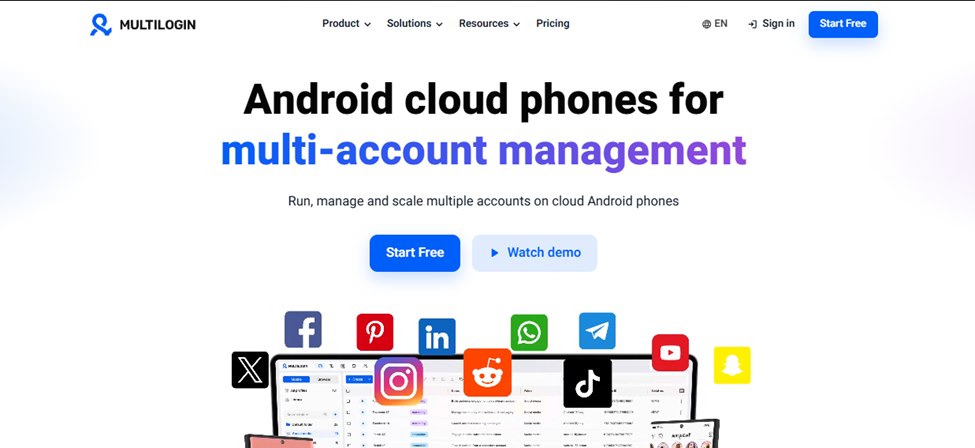
Multilogin is a cloud Android phone platform for multi-account management. It has built multi-account tools since 2015. Each Multilogin cloud phone runs on a real Android device in the cloud, and the same dashboard holds browser profiles for web-based work such as Meta Business Suite or ad accounts.
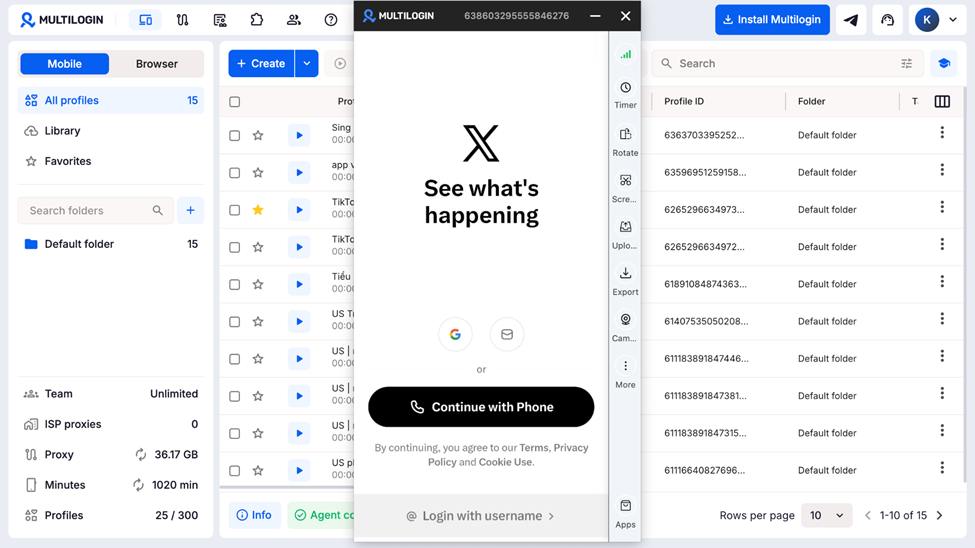
For Instagram and Threads, the setup is one cloud phone per account, both apps installed from the built-in library or as an APK, and the logins stay on the phone between sessions.
Key features:
- 30+ device types across 12 brands, with multiple Android versions selectable per profile
- Built-in residential and mobile proxy traffic in every plan, with each profile getting its own IP and matched location, plus support for your own HTTP, HTTPS, ISP or SOCKS5 proxies
- Custom columns, colour tags, notes, team seats and permissions, so each teammate opens only their assigned accounts
- ADB access on cloud phones and an API that works with Selenium, Puppeteer, Playwright and Postman
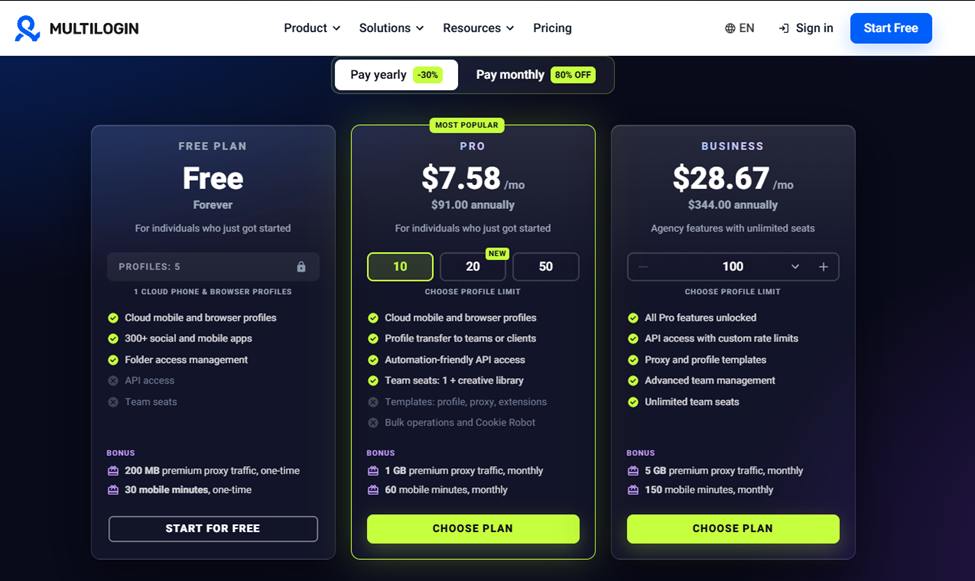
Pricing: The Free plan has no time limit and includes 5 profiles with one-time proxy traffic and mobile minutes. Pro 10 costs $7.67 a month with 10 profiles, 60 mobile minutes and 1 GB of proxy traffic every month. Extra minutes cost from $0.0084 each, down to $0.0067 on the largest packs, and extra traffic from $2.275 per GB in bulk; unused purchased minutes and traffic roll over.
Pros:
- One subscription covers cloud phones, browser profiles, proxy traffic and mobile minutes
- Wide device and Android version choice for keeping up with new app releases
- Team permissions and profile sharing suit agencies handing accounts to clients
Cons:
- 60 minutes a month on Pro 10 runs out fast if phones stay open for hours
- 6
- New team members need some time to learn the dashboard
- Reviewers report slow loading when many profiles open at once
What users say: 4.8 out of 5 across 152 reviews on G2 and 5.0 out of 5 across 75 reviews on Capterra, as of October 2026. Reviewers praise ease of use, reliability and fast support.
Best for: agencies and social media managers whose Instagram and Threads work splits between apps and websites, and who would rather pay one subscription than three. See plans and pricing.
2. GeeLark: best for social teams that create content on the phones
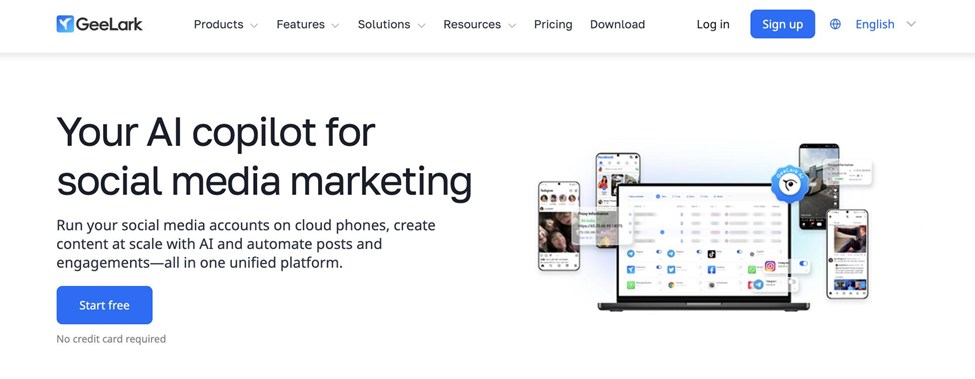
GeeLark is a Singapore-based cloud phone platform founded in late 2023 and built around social media marketing. Its AI image and video tools sit in the same workspace as the phones, so a team can produce a post and publish it to Instagram or Threads without switching tools.
Key features: Android 9 to 15, AI content tools, RPA templates, API and ADB from the Base plan, a synchronizer on Pro, and unlimited seats on paid plans.
Pricing: Plans start at $3.75 a month on annual billing. Phone time costs $0.007 a minute, capped at $1.20 per phone per day, or $29.90 per phone for a month of unlimited use. The free plan has 2 profiles and 30 minutes.
Pros:
- Content creation and posting in one workspace
- Unlimited team seats on paid plans
- Low entry price for small teams
Cons:
- Proxies aren’t included
- Phone time is billed on top of the plan
- G2 reviewers report lag with several phones open
- Costs need watching as a team adds accounts
What users say: 4.9 out of 5 across 44 reviews on G2. Users like the interface and support over WhatsApp and Telegram.
Best for: creators and social teams who make Reels and Threads posts and manage accounts in one place.
3. MoreLogin: best for phones opened in short sessions
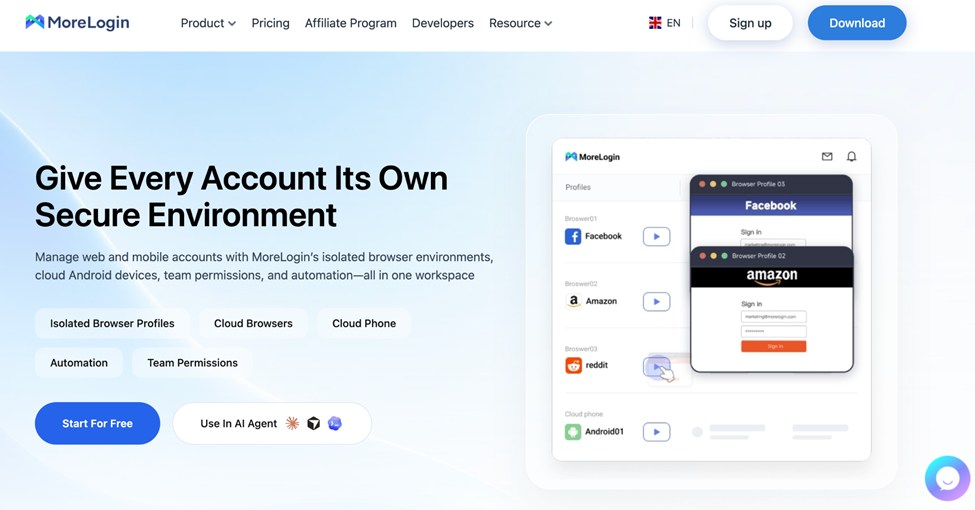
MoreLogin pairs a browser profile platform with Android cloud phones and prices them separately. That split keeps costs low for social media managers who open a phone to reply to DMs or post a Story, then close it.
Key features: Android 10 to 15, browser profiles under the same login, API, RPA and ADB, and team permissions.
Pricing: Phones cost $0.006 a minute, capped at $1.50 a day, or $23 to $25 per 30 days. The Pro browser plan is $9 a month, or $5.40 a month on annual billing. New users get 100 free cloud phone minutes.
Pros:
- The lowest per-minute rate in this comparison
- Phones and browser profiles in one account
- Quick setup, according to reviewers
Cons:
- Phones, the browser plan and proxies are three separate costs
- Proxies aren’t included
- Reviewers find proxy setup takes practice
- Support response varies, and one G2 review describes a billing dispute
What users say: 4.3 out of 5 across 22 reviews on G2.
Best for: teams that open Instagram and Threads for quick tasks rather than all day.
4. VMOS Cloud: best for always-on phones on a flat rate
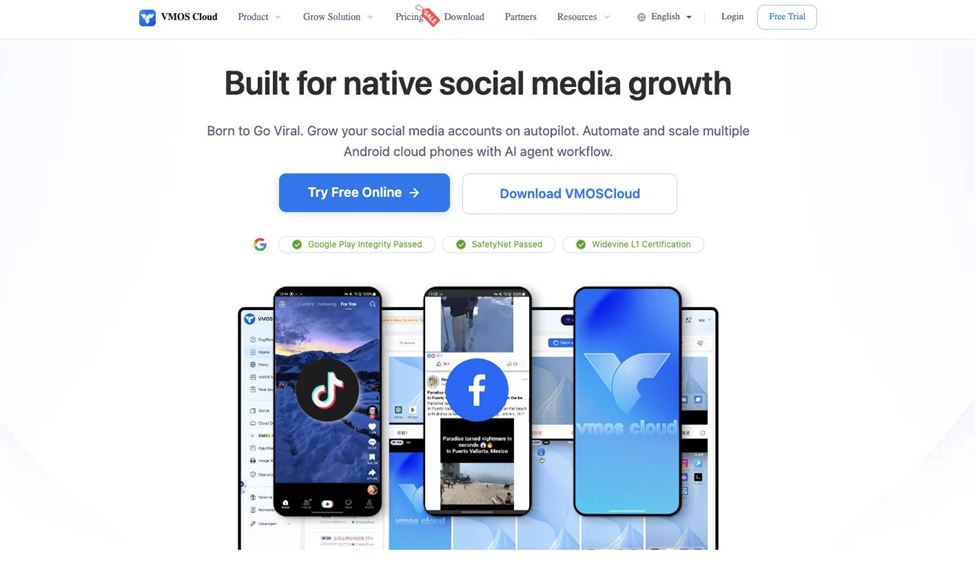
VMOS Cloud sells Android cloud phones for multi-account management, cross-border e-commerce and social media automation. Its strongest pitch is automation: a synchronizer mirrors actions from one main phone to the others, and a prompt-based feature turns text instructions into action workflows.
Key features: Android 13 and 14 listed, a synchronizer, prompt-based social automation, an open API and a Team Hub with roles and permissions.
Pricing: A cloud phone subscription is listed at $4.99 per 30 days, and timed devices are billed from 5 minutes and capped at $1 a day. Residential IPs are sold separately.
Pros:
- A flat monthly price for phones that run for hours
- Synchronized actions across many phones
- Roles and permissions for teams
Cons:
- No browser profiles for web-based accounts
- Proxies cost extra
- The pricing page shows promotions rather than full device prices
- We didn’t find enough G2 or Capterra reviews to judge reliability
Best for: teams repeating the same actions across many Instagram phones and keeping them on most of the day.
5. DuoPlus: best for app-only setups on a tight budget
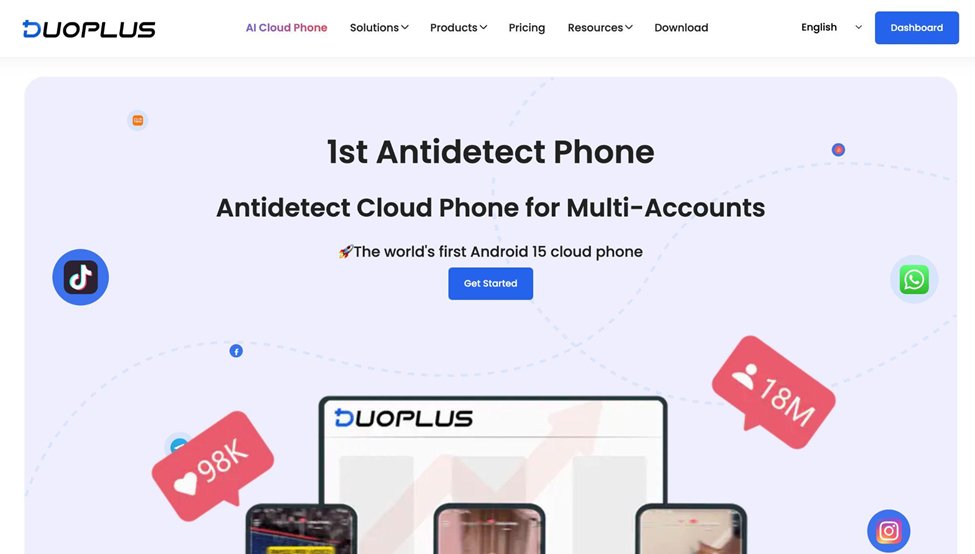
DuoPlus focuses only on cloud phones for social media and e-commerce accounts. It doesn’t list browser profiles, so web work needs a separate tool.
Key features: Android 10, 11, 12 and 15, GPS, SIM and base station settings for 60 countries, batch app management, shared phones for teammates and OBS integration for long live streams.
Pricing: Each phone is listed at $2 a month, and bulk orders lower that. Pay-as-you-go runtime is $0.15 per half hour, up to $0.90 per phone per day. A fixed compute package starts at $19.90 a month.
Pros:
- The lowest listed price per phone
- Batch installs and app launches across many phones
- Location settings for 60 countries
Cons:
- The $2 price doesn’t include runtime
- Proxies aren’t included, and only SOCKS5 is supported
- No browser profiles listed
- Only 2 reviews on G2, one of which disliked crypto-only payment
Best for: app-only Instagram operations that count the cost of every phone.
What 5 Instagram and Threads accounts cost per month
At 30 minutes a day per account, the five platforms land between about $25 and $37 a month. The scenario: a social media manager runs 5 client accounts, each with Instagram and Threads on one cloud phone, open about 30 minutes a day for posting, Stories and replies.
| Platform | Plan | Phone time | Monthly total | Proxies |
| Multilogin | $7.67 (Pro 10, 60 minutes included) | 4,440 extra minutes × $0.0067 to $0.0084 = $29.75 to $37.30 | About $37 to $45 | Included (1 GB) |
| GeeLark | $3.75 | 4,500 minutes × $0.007 = $31.50 | About $35 | Extra cost |
| DuoPlus | 5 × $2 = $10 | 150 half-hour blocks × $0.15 = $22.50 | About $33 | Extra cost |
| MoreLogin | $5.40 | 4,500 minutes × $0.006 = $27.00 | About $32 | Extra cost |
| VMOS Cloud | None | 5 phones × $4.99 per 30 days | About $25 | Extra cost |
Once a residential proxy subscription is added to the other four, the gap narrows or flips. Watch data use as well: scrolling Reels and uploading video use far more proxy traffic than text posts on Threads, so track it during your trial. Extra traffic on Multilogin costs from $2.275 per GB.
Which cloud phone fits your Instagram and Threads workflow
| Workflow | What matters most | Best fit |
| Social media manager running a few brand accounts | Persistent logins, low daily runtime, proxies per account | Multilogin or MoreLogin |
| Agency running client accounts | Seats, permissions, a proxy location per client, web dashboards | Multilogin |
| Creator or UGC team producing content | Content tools next to the phones | GeeLark |
| Team repeating actions across many phones | Synchronizer and automation | VMOS Cloud, GeeLark or Multilogin |
| App-only accounts on a small budget | Lowest cost per phone | DuoPlus |
- Social media managers: Most of the day goes into short visits: a Story in the morning, DM replies at lunch, a Threads post in the evening. Logins that survive between sessions matter more than raw runtime, and a proxy location that matches each brand’s audience keeps the account consistent. A brand targeting Vietnam, for example, gets a phone with a Vietnamese IP.
- Agencies: Client work needs clear boundaries. Group phones in folders by client, give each account manager access only to their accounts, and keep Meta Business Suite in a browser profile next to the phones. When a client takes an account in-house, sharing and assigning the profile hands over the whole setup.
- Creators and clippers: Many accounts posting variations of the same video is common, and it’s also where accounts get limited. A separate cloud phone per account keeps app data apart, but the content itself has to differ. Change the hook, caption and cover for each account rather than reposting the same file.
How to set up Instagram and Threads on a cloud phone
The same steps work on any platform in this list. The menu names below follow Multilogin.
- Create one phone per account. Click Mobile in the dashboard, create a cloud phone, and pick a device model and Android version recent enough for the current Instagram app.
- Match the location. Choose a proxy country that fits where the account normally operates and keep it stable over time.
- Install both apps. Add Instagram and Threads from the built-in library or upload an APK.
- Log in to Instagram first, then Threads. Sign in to Threads with the same Instagram account on that phone. If Instagram asks for a code by SMS, receive it on your own phone or through an SMS provider and type it in.
- Stop the phone when you’re done. Stopping saves its state and stops the minute counter.
- Organize and share. Put phones in folders by client, add notes, and assign teammates only to the accounts they handle.
Limits to know before you choose
- No SMS or calls. None of these cloud phones receive texts or calls, so verification needs a number the app accepts.
- Android only. Every platform here runs Android, so there are no iPhone-only workflows.
- A stable connection matters. The phone streams from a data center, and a weak connection means lag.
- Free plans are for testing. On Multilogin’s Free plan, minutes and proxy traffic don’t renew, and free profiles are deleted after 7 days of inactivity.
- Content still counts. Duplicate posts, spammy replies or breaking Instagram’s terms can get accounts restricted on any device.
The bottom line
Pick the platform by runtime and by your mix of accounts. If your Instagram and Threads work sits next to web dashboards and you want proxies and phone time in one plan, test Multilogin first. If phones stay on all day, compare the caps and rentals from VMOS Cloud, MoreLogin and GeeLark.
Then run the same week of real work on your top two. Log in to both apps on two or three phones, reopen them the next day, measure runtime and proxy traffic, add a teammate, and add up the full bill. App data doesn’t move between providers, so switching later means logging back in on every account.
Set up your free Multilogin cloud phone and test your Instagram and Threads routine before you pay.
FAQ
What is the best cloud phone for Instagram and Threads?
For teams that manage Instagram and Threads alongside web accounts, Multilogin covers the most in one plan, because cloud phones, browser profiles, proxy traffic and mobile minutes come in one plan. For phones that run all day, VMOS Cloud, MoreLogin or GeeLark can cost less thanks to flat rentals and daily caps.
Can I run Instagram and Threads on the same cloud phone?
Yes, and for one account it’s the recommended setup. A Threads profile is tied to an Instagram account, so installing both apps on the same cloud phone keeps the pair on one device, one IP and one login history.
Do I need a separate cloud phone for each Instagram account?
Yes. One cloud phone per account keeps each account’s app data, device and IP separate. Adding several accounts to one Instagram app puts them all on the same device and network.
Can cloud phones receive Instagram verification codes?
No. Cloud phones in this comparison can’t receive SMS or calls. Receive the code on your own phone or through an SMS provider, then enter it in the app on the cloud phone.
Do I need proxies for Instagram on a cloud phone?
Usually, yes. Each account should connect from its own IP in a location that makes sense for its audience. Multilogin includes residential and mobile proxy traffic in every plan, while GeeLark, MoreLogin, VMOS Cloud and DuoPlus expect you to bring or buy proxies.
Is a cloud phone the same as an Android emulator?
No. An emulator runs a virtual Android system on your own computer. A cloud phone runs on Android hardware in a data center, keeps its apps and logins between sessions, and can be shared with teammates from one dashboard.
How much does a cloud phone for Instagram cost?
It depends on runtime more than on the entry price. For 5 accounts open about 30 minutes a day, the platforms here cost roughly $25 to $45 a month before proxies. Multilogin’s pricing page lists a free plan with no time limit and paid plans from $7.67 a month billed annually or $11 billed monthly.