

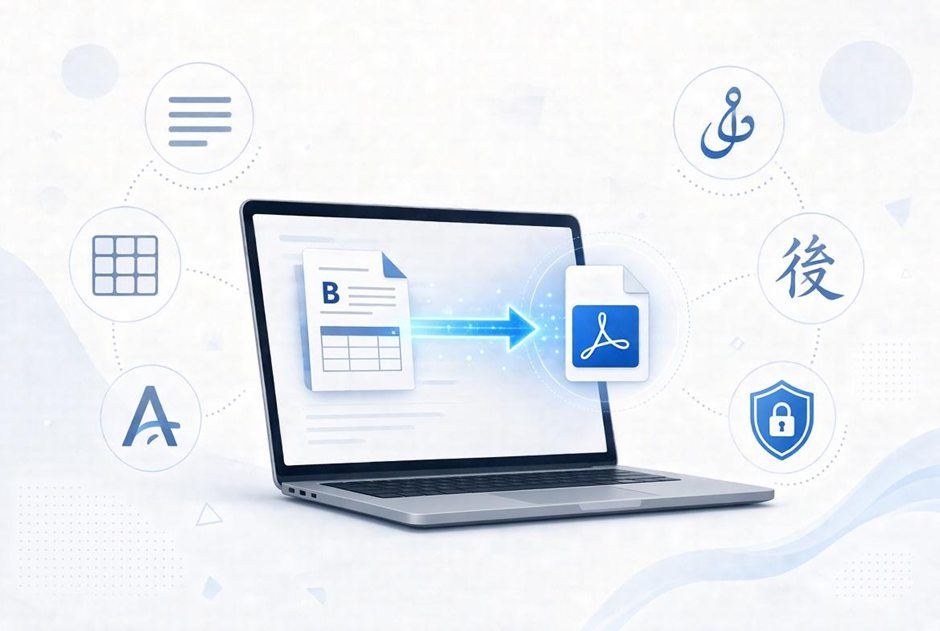
Converting documents online has made it easier to work with different file types without installing additional software. Whether someone needs to change a Word file into a PDF, clean copied text, or prepare documents in multiple languages, the process should be simple and reliable. However, converting a document can sometimes affect its original formatting, text direction, and special characters. Privacy is another important concern, especially when files contain personal or business information. Understanding these challenges can help users choose the right online conversion tools and protect the quality and security of their documents.
Why Document Formatting Matters When Using Online Conversion Tools
Online document conversion has become a common part of work, education, and daily communication. People often need to change files from one format to another, such as Word to PDF, PDF to Word, or Excel to another file type. However, converting a document is not only about changing its file format. It is also important to keep the original content clear, readable, and properly arranged.
A document may contain headings, tables, images, links, special characters, and different text styles. If these elements are not handled correctly, the converted file may look very different from the original. For this reason, choosing a reliable online document conversion tool that handles different file types and text formats is important.
Good conversion tools aim to keep the document structure as close to the original as possible. This saves time because users do not have to spend extra hours fixing the layout after every conversion.
Common Formatting Problems During Document Conversion
Even a simple file conversion can create problems when the source and target formats handle text differently. Some formats support advanced layouts, while others have limited formatting options.
Here are some common issues users may face:
- Missing fonts: If the required font is not available, the converted document may display different text styles or spacing.
- Broken tables: Rows and columns may move, making information harder to read.
- Changed page layouts: Margins, page breaks, and alignment may not remain the same.
- Missing symbols: Special characters, icons, and mathematical symbols may disappear.
- Incorrect line spacing: Paragraphs may become too close together or spread across extra pages.
These issues are especially common when converting files that contain complex layouts. Checking the output after conversion is always a good idea, particularly when working with business reports, academic documents, or important records.
Why Language Support Is Important in Document Conversion
Language support is another important factor that people often overlook. A document may contain more than one language, special characters, or writing systems that follow different reading directions.
For example, English and many European languages are written from left to right. However, Arabic, Urdu, Persian, and Hebrew are written from right to left. During conversion, text direction and letter connections must be handled correctly. Otherwise, words may appear in the wrong order or individual letters may become separated.
A conversion tool should also support the fonts and characters used in different languages. Without proper font support, readers may see empty boxes, missing symbols, or incorrect characters instead of the original text.
Modern conversion services are improving their support for different writing systems. For example, PrivConvert’s multilingual document support covers more than 60 writing systems, including Arabic, Urdu, Persian, Hindi, Chinese, Japanese, and Korean. This type of support helps users work with documents in different languages without needing to install or embed additional fonts.
For businesses working with international customers, this can make a real difference. Teams can prepare documents for different markets while reducing language-related formatting problems.
How to Keep Text Formatting Consistent
Keeping a document readable after conversion requires a few simple steps. Users can reduce many common problems by preparing their files before uploading them.
- Use common fonts
Fonts such as Arial, Calibri, and Times New Roman are widely supported. Using common fonts can reduce the risk of unexpected changes when a document is opened on another device.
- Check headings and paragraphs
Use clear heading styles instead of manually changing the size and appearance of every heading. This helps maintain a consistent structure and makes longer documents easier to read.
- Review tables and images
Documents containing charts, tables, and images may need extra attention. Check that these elements remain in the correct position after conversion.
- Choose the correct output format
Think about how the converted file will be used. PDF is useful when you want to share a document with a fixed layout, while Word is more suitable when further editing is needed.
- Review the final document
Always open the converted file and compare it with the original. Check page breaks, links, text direction, symbols, and spacing before sharing it.
These small steps can help prevent mistakes and reduce the need for repeated conversions.
Understanding Plain Text Conversion and Document Formatting
Not every conversion task requires keeping the original design. Sometimes, users only need the words without extra styles, links, colors, or unwanted spaces.
This is where plain text conversion becomes useful. It removes visual formatting and keeps the actual text in a simple form. For example, someone copying content from a website may want to remove HTML tags, extra spaces, or unnecessary line breaks before using the text in another document.
A plain text converter is useful for cleaning copied content, preparing text for emails, and making information easier to reuse. However, users should understand that plain text conversion is different from document conversion. Removing formatting also means losing elements such as font styles, colors, and some layout details.
The right choice depends on the task. If the original document design matters, use a format conversion method that supports layout preservation. If only clean and readable text is needed, a plain text tool may be more suitable.
Security and Privacy When Converting Documents Online
Security should be a major concern when uploading files to online conversion services. Documents can contain personal details, business records, financial information, or private communication. Users should understand how a website handles their files before uploading anything sensitive.
Some services store uploaded files temporarily on their servers. While this may help with certain processing tasks, it also creates another place where private information must be protected.
One approach is in-memory processing, where files are handled in RAM instead of being saved to permanent storage. RAM is temporary working memory used by computers to process information. Data held there does not remain like a regular saved file once the process ends and the memory is cleared.
PrivConvert uses RAM-based processing to handle uploaded files. According to its website, files are transferred through an encrypted HTTPS connection and processed in an isolated environment. The conversion engine itself operates without internet access, meaning it cannot make external network connections while processing files. Files are not written to permanent disk storage, and temporary data is deleted from memory after the conversion process is completed.
This approach reduces the amount of time a user’s file remains available to the service. It is an important privacy consideration, especially when handling documents that contain sensitive information.
However, users should remember that no online service can remove every security risk. A secure connection, a clear file-handling policy, and careful use of trusted websites are all important. Avoid uploading highly sensitive documents unless you understand the service’s security practices.
Why Document Conversion Can Be More Complex Than It Looks
Changing a file extension is not the same as properly converting a document. Different file formats store information in different ways. A Word document, for example, can contain editable text, images, tables, headers, and footers. A PDF may preserve the page appearance while making some content harder to edit.
The conversion process must read the original file, understand its content, and rebuild that information in the target format. This becomes more difficult when the file contains large tables, multiple languages, special fonts, or complex page layouts.
Some documents may also contain scanned pages rather than selectable text. These files may need Optical Character Recognition (OCR) to identify words from images. OCR results are not always perfect, particularly when the scan is unclear or contains unusual fonts.
Users should also consider that some formatting features cannot be transferred exactly between every pair of formats. A document converted from Word to plain text, for example, cannot keep its original font sizes, colors, and page design because plain text does not store those elements.
Understanding these limits helps users choose the right conversion method and set realistic expectations.
Choosing the Right Online Tool for Your Needs
Before using an online converter, consider the type of file, the required output, language support, and privacy features. A useful service should make the conversion process simple while giving users clear information about what happens to their files.
For everyday text cleaning, a plain text converter can remove unwanted styles and make copied content easier to reuse. For documents that need to retain their structure, choose a converter that supports the source and target formats properly.
It is also worth checking whether the tool supports your language, especially if your document includes right-to-left writing, special characters, or multiple scripts. Finally, review its privacy policy and file-processing methods before uploading important information.
Final Thoughts
Converting documents online can save time, but the quality of the result depends on more than the file format. Text formatting, language support, document structure, and security all play an important role.
By preparing files properly and choosing a suitable conversion method, users can avoid many common problems. Whether the goal is to preserve a complete document layout or create clean plain text, understanding the differences between conversion tools helps people work with their files more safely and efficiently.