

College newsletters land in crowded inboxes, usually next to class updates, club emails, job alerts, and campus reminders. That means format matters more than many teams think. A polished layout can catch attention, but a simple message can feel faster and more personal.
When people compare HTML vs plain text, they are really asking which format helps a college message get opened, understood, and acted on. That question matters even more now, when digital communication is under closer review and even AI detector free tools shape how people think about online writing. To choose well, you need to look past appearance and focus on how each format works in a real college inbox.
What Is Plain Text in Emails?
Plain text email strips all of that away. There are no designed blocks, decorative fonts, or image placements. You get words, spacing, and links. That is all.
For some college communication, that simplicity is a strength. A plain text newsletter can feel direct, human, and easy to read. It often sounds closer to a personal note from a professor, department chair, or student support office. When the message is short and focused, that tone can help readers pay attention.
Plain text is also faster to create. A team can draft it, edit it, and send it without worrying about formatting glitches or mobile layout issues. That makes it useful for departments with limited time or limited design support.
What Is HTML Format?
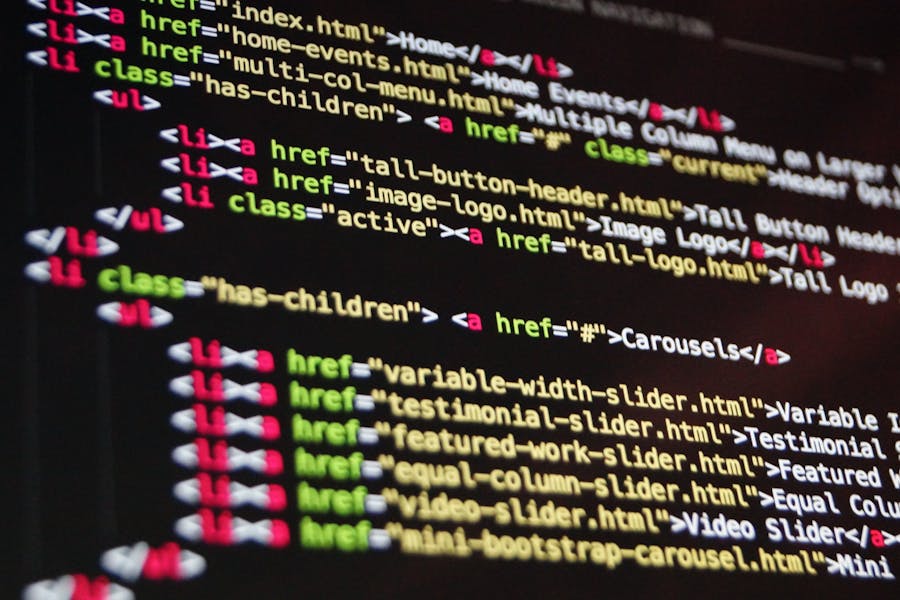
HTML email uses code to shape the look of a message. It can include branded colors, banners, columns, images, styled buttons, and clear content blocks. That makes it useful for college newsletters that carry several updates at once, such as event news, deadlines, campus stories, and links to resources.
A well-designed HTML message gives structure to busy information. Instead of one long block of text, readers see sections they can scan. A student can jump straight to internship news. A parent can spot a tuition reminder. An alum can find the featured story and donation link within seconds.
This format also gives colleges more room to reflect their identity. School colors, logos, and photos can make the newsletter feel official and familiar. That matters for admissions, alumni relations, and advancement teams that rely on consistent branding.
The tradeoff is effort. HTML takes more time to build, test, and edit. It also needs to display well on phones, tablets, and desktops, which adds another layer of work.
Where Plain Text Works Better
Plain text has a different advantage. It removes visual noise and lets the message speak for itself. That can be useful when the subject is urgent, sensitive, or personal.
Plain text works especially well for:
- deadline reminders
- short updates from faculty or advisors
- one-topic announcements
- follow-up emails after an event or campaign
This format can also help when teams want a warmer tone. A scholarship office writing to students about missing paperwork may get more trust from a simple, respectful message than from a designed newsletter full of banners and blocks.
There is another practical benefit. Plain text leaves less room for formatting distractions. Readers focus on the words, which also highlights the need to make AI text sound natural and human instead of polished to the point of sounding distant.
Where HTML Newsletters Work Best
Some college emails need design because they carry many moving parts. In those cases, structure helps readers scan instead of giving up halfway through.
HTML is usually the stronger choice for:
- monthly campus newsletters with several updates
- event roundups with dates, links, and featured images
- alumni communications that rely on branding and storytelling
- admissions or fundraising HTML emails with clear call-to-action buttons
This format is especially effective when visual hierarchy matters. A strong heading, short preview text, and a clear button can guide the eye through a longer message. For a school newsletter with multiple audiences, that matters a lot.
The Core Differences Between HTML and Plain Text
The real difference between HTML and plain text is not just visual style. It is also about how the message functions. One format supports design-heavy storytelling. The other leans on clarity and speed.
| Feature | HTML Format | Plain Text Format |
| Visual design | Strong branding, images, buttons, sections | Minimal, text-only look |
| Readability | Easy to scan when well designed | Easy to read when short and focused |
| Production time | Slower to build and test | Faster to write and send |
| Flexibility | Good for multiple updates in one email | Better for one clear message |
| Tone | More polished and institutional | More personal and direct |
| Accessibility risks | Can vary depending on design choices | Usually simpler for screen readers |
That is why the choice is rarely HTML or plain text in the abstract. It depends on what the newsletter is trying to do.
What College Audiences Usually Respond To
College newsletters rarely go to one type of reader. A single institution may email current students, parents, faculty, alumni, applicants, and donors. Each group brings different reading habits.
Students tend to skim quickly. They often read on phones and look for value right away. That means a long, crowded email can lose them fast, even if it looks polished. Parents often prefer a clearer structure because they are searching for details that affect planning, payments, or logistics. Alumni may respond better to strong visuals, photography, and a sense of school identity. Faculty and staff often care most about speed, clarity, and relevance.
That is why the format should follow audience behavior. A simple way to choose is to ask:
- Is this email carrying one idea or several?
- Does the reader need to scan quickly?
- Is branding important to the goal?
- Will the message feel stronger as a note or as a newsletter?
These questions usually lead to a clearer decision than chasing one best format for every case.
The Takeaway
For most colleges, the better format depends on the job the email needs to do. HTML is stronger for rich newsletters with multiple sections, visual branding, and clear click paths. Plain text is stronger for short, direct communication that needs speed or a personal tone. The smartest approach is not picking one forever. It is choosing the format that fits the message, the audience, and the moment.