

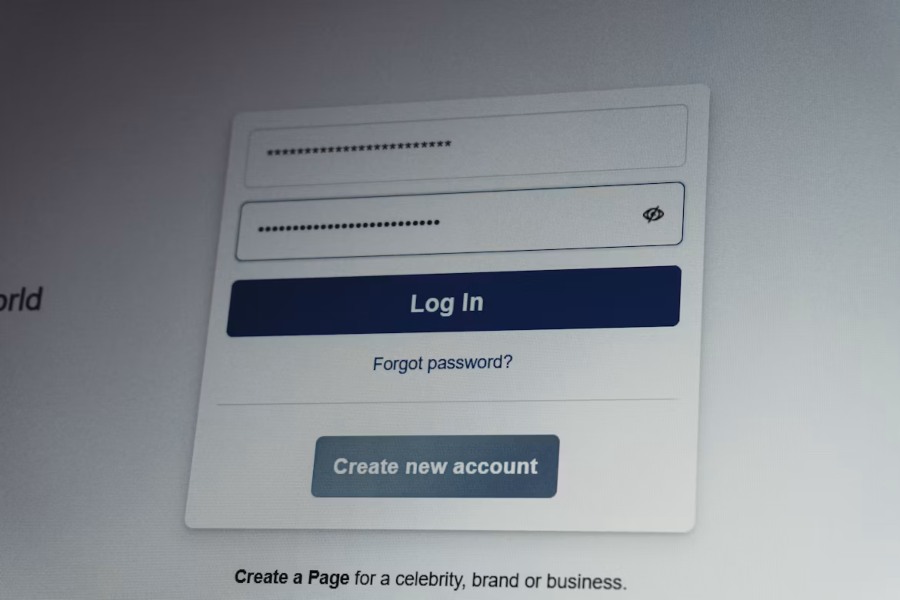
Every login form, signup page, and account-recovery flow depends on one deceptively simple task: capturing what a user types and getting it to the server exactly as intended. A stray space, an invisible Unicode character, or inconsistent casing can silently break validation logic — and when that logic is protecting account access, the stakes go well beyond a cosmetic bug.
The hidden cost of messy input
Developers often assume that trimming whitespace or lowercasing a string is trivial. In practice, text normalization issues are a recurring source of authentication failures:
- Copy-pasted credentials that carry trailing newlines or non-breaking spaces
- Autofill tools that insert formatting artifacts invisible in a browser but present in the raw string
- Mobile keyboards that auto-capitalize the first letter of a field, silently changing a case-sensitive value
A plain text converter — stripping formatting, normalizing whitespace, and standardizing case — solves the first half of this problem. It ensures that what the user sees is what the server actually receives. But cleaning input is only half of building a trustworthy login flow. The other half is verifying that the person entering it is who they claim to be.
Pairing clean input with strong verification
Once a form reliably captures accurate text, the next layer of defense is verifying identity at the point of login or sign-up. This is where one-time passcodes come in. Rather than relying solely on a static password — which can be reused, guessed, or leaked in a breach — many products add a short-lived code sent to a channel the user already controls.
SMS remains one of the most widely adopted channels for this because it requires no app install and reaches almost any phone. For teams building or auditing this flow, it’s worth looking at how a dedicated SMS OTP service handles delivery routing, retry logic, and expiration, since these details shape both security and user experience. A well-implemented sms otp verification step can catch account-takeover attempts even when a password has already been compromised.
Practical checklist for teams
If you’re reviewing or rebuilding a login flow, a few habits go a long way:
- Normalize before you validate. Convert input to a consistent format (trim, case-fold where appropriate) before comparing it against stored credentials.
- Don’t trust the client. Whitespace and casing issues introduced client-side should be corrected server-side too, not assumed away.
- Add a verification step for sensitive actions. Login, password reset, and payment changes are good candidates for a one-time code, not just a password check.
- Log failures with enough context. When OTP delivery or input validation fails, you want to know which one — they require very different fixes.
- Test on real devices. Autocapitalization, autocomplete, and keyboard quirks vary enough across phones that desktop testing alone will miss them.
Closing thought
Text cleanup tools and identity verification services solve different problems, but they sit on the same path: getting an accurate, trustworthy signal from the user to the server. Get the text right, verify the person, and a surprising number of “mysterious” login bugs and account-security gaps disappear together.