


Building a presentation used to mean hours in PowerPoint – picking fonts, aligning boxes, hunting for images that don’t look stock. AI presentation makers have changed that equation. You put in a topic, an outline, or a document, and the tool returns a structured deck with layout, design, and content handled. The gap between “I need to present this” and “I have something I can present” has compressed dramatically.
The tools below were evaluated on generation speed, output quality, customisation depth, and how well they handle real-world input – not just polished prompts. Here’s what actually matters when choosing between them.
How AI Presentation Makers Work
Before getting into the list, it’s worth understanding the mechanics. How does an AI presentation maker work in practice? Most tools follow a similar flow: you provide input (a topic, outline, URL, or document), the AI extracts the key points, decides how to distribute them across slides, and applies a visual layout automatically. The better tools also handle image selection, font hierarchy, and colour schemes without manual input.
What features does an AI presentation maker offer varies by platform – some focus purely on generation speed, others on collaboration, template depth, or document conversion. The right tool depends on whether you’re building a quick pitch or a detailed client deck.
1. Slideonic
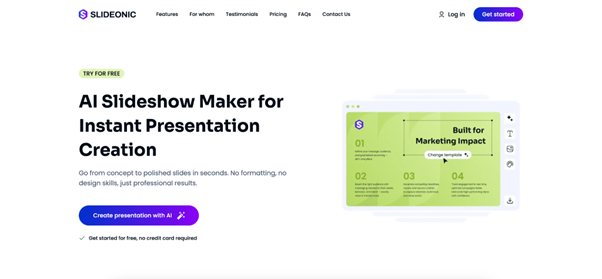
Slideonic sits in a category of its own for users who want speed without sacrificing output quality. The workflow is minimal: enter a topic, optionally upload a PDF, DOCX, or TXT file, and the Slideonic AI slideshow maker builds a structured outline before generating the full deck. You can reorder the structure before generation starts, then download the finished PPT or PDF file ready to open in PowerPoint, Google Slides, or Keynote. This is particularly useful when you need to turn existing research or notes into a presentation without rebuilding everything from scratch.
The free plan is available indefinitely with no credit card required. A 7-day trial of the premium plan runs $2. The annual plan comes out to $9.99/month, and the standard monthly plan is $14.99/month. Premium unlocks faster generation, priority support, and early access to new features.
2. Gamma
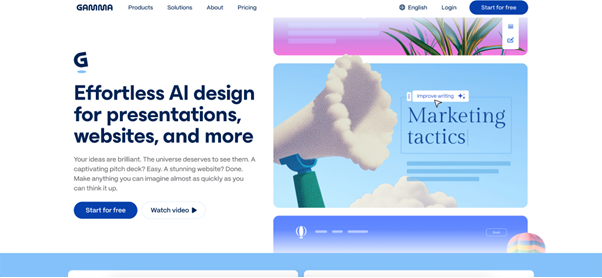
Gamma is one of the more polished AI presentation tools available for general use. The generation flow asks for a topic, lets you review an outline, and then produces a deck with strong visual coherence across all slides. Advanced settings let you adjust tone, target audience, image source, and text density before generation starts.
The output quality is notably consistent – no jarring layout changes between slides, no images that clash with the theme. Gamma also generates web pages and documents with the same interface, making it useful beyond presentations alone. Free plan available, paid from $9/seat/month.
3. Canva AI
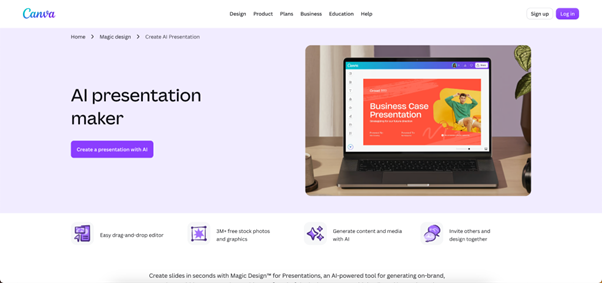
Canva’s AI for presentation slides sits inside a broader design platform, which is both its strength and its main trade-off. The generation quality is solid, and the editing tools are the most accessible of any tool on this list. Once the deck is generated, you have full design control – drag, align, resize, apply Magic Write for text, Magic Media for images.
The downside: Canva’s template-heavy ecosystem means presentations can look generic if you don’t invest time in customisation. For teams with established brand guidelines, the Brand Kit feature helps. Free plan available, Pro at $12/month.
4. Beautiful.ai
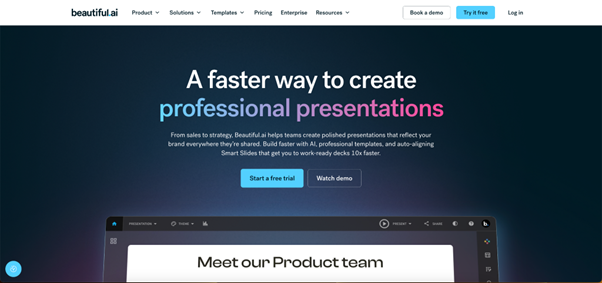
Beautiful.ai separates itself through its smart slide system. Standard slides hold static content. Smart slides hold dynamic content – bar charts, Venn diagrams, timelines – that update cleanly when data changes. For teams that present the same deck format repeatedly with updated numbers, this is a genuinely useful distinction.
Creating presentations with AI here means the AI handles the structure and layout, while smart slides handle the data layer. Collaboration features are solid, with slide assignment and comment threads for team review. Starts at $12/month, no free tier.
5. Pitch
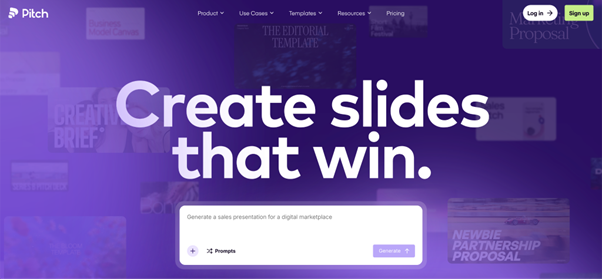
Pitch is built for sales and business communication. The AI presentation builder generates decks with a structure clearly designed around pitching – problem framing, solution positioning, evidence, call to action. Integrations with Google Analytics, ChartMogul, and Google Sheets let you pull live data directly into slides.
The design output is polished and the brand consistency tools are strong. Less suitable for educational or general-purpose decks, but for client-facing sales content it’s well-optimised. Free plan available, from $10/month for individuals.
6. STORYD
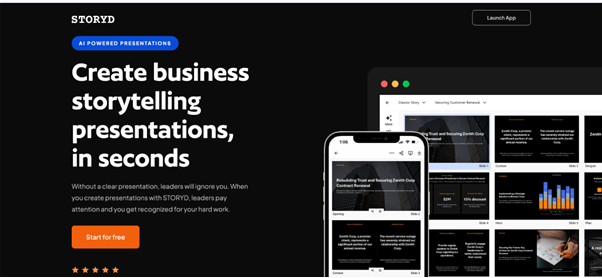
STORYD takes a different approach to generative AI for presentations by building around narrative frameworks. Choose a presentation type – Persuasive Sales, Quarterly Review, Venture Pitch – and the AI applies that framework’s step-by-step structure to your content. Each slide displays the narrative stage it belongs to, which keeps the story coherent through editing.
Customisation is more constrained than other tools, which is partly intentional – the framework guardrails prevent the kind of structural drift that happens when you edit freely. From $18/month.
7. Prezi
Prezi’s AI presentations work differently from slide-based tools. Content sits on a spatial canvas, and the presentation zooms in and out as you move through it. The AI generates a board with your content distributed across it, creating a dynamic, non-linear experience that stands out from standard decks.
Best for conceptual presentations, educational content, and any context where showing relationships between ideas matters more than linear sequence. Free plan available, from $7/month.
8. SlidesAI
SlidesAI adds AI presentation software capabilities directly to Google Slides and PowerPoint rather than replacing them. You choose a topic or paste notes, select a theme and image preferences, review the outline, and generate slides inside the app you already use.
The output is functional rather than visually ambitious, but for teams committed to Google Workspace or Microsoft 365, staying in a familiar environment is a real advantage. Free plan available, from $10/month.
Comparison at a Glance
| Tool | Best For | Free Tier | Starting Price |
| Slideonic | Fast generation, PDF conversion | Yes | $9.99/month |
| Gamma | Visual consistency, general use | Yes | $9/seat/month |
| Canva AI | Design control, brand teams | Yes | $12/month |
| Beautiful.ai | Data-driven recurring decks | No | $12/month |
| Pitch | Sales and client presentations | Yes | $10/month |
| STORYD | Narrative-structured decks | Yes | $18/month |
| Prezi | Non-linear, concept-driven | Yes | $7/month |
| SlidesAI | Google Slides / PowerPoint users | Yes | $10/month |
How to Choose
The right AI presentation tool depends on what you’re starting with and who you’re presenting to.
Start with content type. A text document or PDF converts best in Slideonic. A topic prompt with no existing material works well in Gamma or Canva. Data-heavy recurring reports belong in Beautiful.ai.
Then consider the audience. Sales audiences respond to Pitch’s structured persuasion flow. General business or educational audiences work with Slideonic, Gamma, Canva. Conceptual presentations where relationships between ideas matter suit Prezi.
AI Generated Presentations and the Editing Step
Every tool on this list produces a first draft, not a finished deck. The AI handles structure, layout, and initial content. The human editing pass handles accuracy, tone, and the specific details that make a presentation relevant to its actual audience.
The tools that make editing fast – Canva’s drag-and-drop, Beautiful.ai’s smart slides, Gamma’s agent-based refinement – tend to produce better final results than those where post-generation editing is clunky. Factor in how much time you expect to spend after generation, not just during it.
Workflow Integration
AI presentation software that connects to your existing tools reduces friction. Pitch integrates with live data sources. SlidesAI stays inside Google Workspace. Gamma and Canva export to PPTX for use in PowerPoint. Slideonic handles document input directly, which suits teams that work primarily from written source material.
Final Remarks
The best AI presentation maker is the one that fits the workflow you already have. For speed and document conversion, Slideonic. For design control, Canva. For sales-specific output, Pitch. For narrative structure, STORYD. Most teams settle on one primary tool and a backup for the cases the primary doesn’t handle well. The generation step is fast across all of them. The differentiation is in editing flexibility, integration depth, and how well the output matches the specific type of deck you produce most often.