

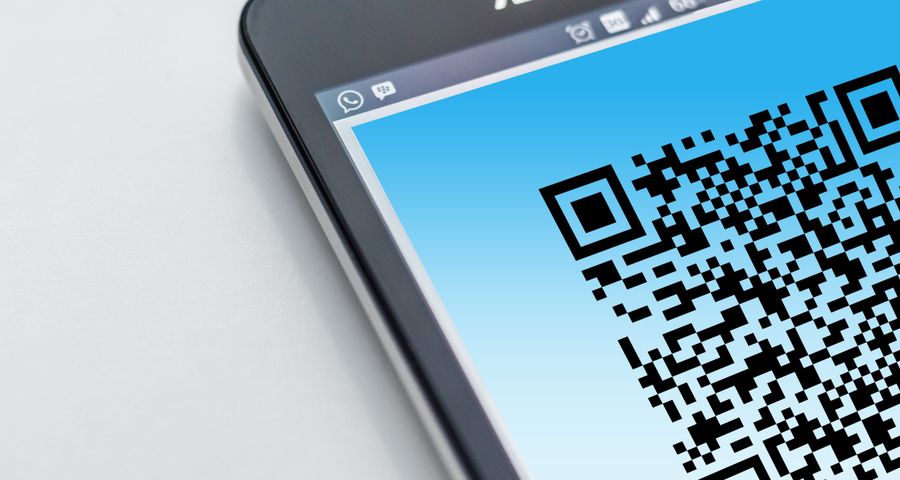
Text is one of the simplest ways to communicate information. We use it to explain ideas and deliver messages clearly. If you’re sharing it across physical and digital mediums, converting a text into a QR code makes it easier to access and share.
Before you turn any text into a QR code, there are a few things to consider, such as the kind of information to convert, the number of characters it contains, the type of text a QR code generator supports, and the ease of scanning the code.
What is a text QR code?
A text QR code is a quick response code that permanently contains plain text. It could be a short message, a contact detail, product information, or other sets of letters and numbers.
It provides another way to share and access information, which is particularly useful when printed on materials that people can physically see but cannot easily copy the text from, such as posters, packaging, signs, brochures, or business cards.
A customer doesn’t have to copy every detail from a product display. An attendee doesn’t have to write down an event instruction. They only need to bring out their smartphones, open their camera, and scan the code.
Things to consider before turning a text into a QR code
There are four important things to keep in mind before you convert a text into a QR code to make sure it works according to its purpose.
The type of information you’re sharing
A QR code for text can make information easier for people to access. This means that anyone you share it with can see what it contains when they scan it.
Event instructions, product details, public contact information, or short messages can make use of QR codes for easy sharing.
However, if you’re planning to embed sensitive information, such as passwords, account numbers, and login IDs, it’s better to use a secure QR code generator with password-protected QR codes.
The number of characters
Technically, a QR code can store up to 4,296 alphanumeric characters. However, it is not recommended to reach the maximum capacity, as the QR code becomes denser and harder to scan.
It is especially true for a text QR code, which is static—a code that permanently stores information in its patterns. The recommended character limit for generating a QR code from text is between 300 and 600 characters.
Before converting your text into a QR code, remove unnecessary information and keep it as concise as possible.
The purpose of the QR code
According to a recent Industry report, around 41% of QR code users are searching for a clear description of the content or benefit.
And this is also true for the text itself. If the code contains a promotional message, make sure it is useful and easy to understand. The QR code’s call-to-action (CTA) must then provide people with more context about what to expect when they scan it.
The kind of QR code generator you’re using
Depending on the QR code platform, a text-to-QR code tool can have certain features and limitations.
When choosing a QR code generator to use online, make sure to learn whether it stores the text you enter, the type of text QR code it provides (static or dynamic), and has security measures to protect the data.
How to convert text to a QR code?
Follow this step-by-step guide to create a QR code for your text:
1. Open a text to QR code converter tool.
2. Enter the set of letters and/or numbers you want to encode in the textbox.
3. Generate the QR code and customize its appearance. Add a call to action (CTA) and a logo if you must.
4. Test the QR code by scanning it with a smartphone.
5. Download the QR code in an image format appropriate for its use.
How to make a text QR code easy to scan
A text QR code is effective when people can scan it. Before printing or sharing your code, keep the following best practices in mind:
- Keep the design attractive but simple: Choose a design that is eye-catching and easy to recognize. Maintain a sufficient contrast between the pattern and its background. Using a dark QR code color against a light background is recommended.
- Download in a high-quality format: Vector formats such as SVG, PDF, and EPS are recommended because they preserve the QR code image’s quality regardless of size.
- Adjust to an appropriate size: The proper QR code size should be readable from different distances. For business cards and packaged goods, the minimum size is 2×2 cm, while larger items like flyers and brochures can go up to 2.5-3cm.
- Keep testing the code: Scan the QR code before and after publishing or printing it to ensure it works. If possible, use multiple smartphone models to see whether people can scan it on any device.
Common questions about text QR codes
What types of text work best for QR codes?
When converting text to QR code online, short and plain text information like notes and Serial ID numbers are the best types of text to place in a QR code directly, as they are short, often 160 characters or fewer. People can quickly scan the QR code, copy the information from their smartphone, and paste it wherever it’s needed.
Do text QR codes support line breaks or formatting?
Plain text QR codes can contain basic line breaks (also known as newlines), along with letters, numbers, symbols, and emojis. However, they do not support rich text formatting such as bold, italics, or HTML.
Can I create a text QR code for free?
Yes. Text QR codes are static. You can convert text to a QR code for free. Once a static QR code is created, the content can no longer be edited or updated.
Do text QR codes require an internet connection?
No. When scanning a QR code for plain text, you do not need to be online. The text is directly stored in the pattern. The device reads the encoded data locally and displays the text on the screen without opening an external webpage or server.
Bottom line: Are text QR codes worth it?
Converting text to a QR code offers a simple way to share brief information in a format that many users can quickly access, copy, and share through the devices they already carry.
Keep the four considerations in mind before you turn any information into a QR code. When the content is concise and useful, and the code itself is scannable, it makes any text easy to communicate.