

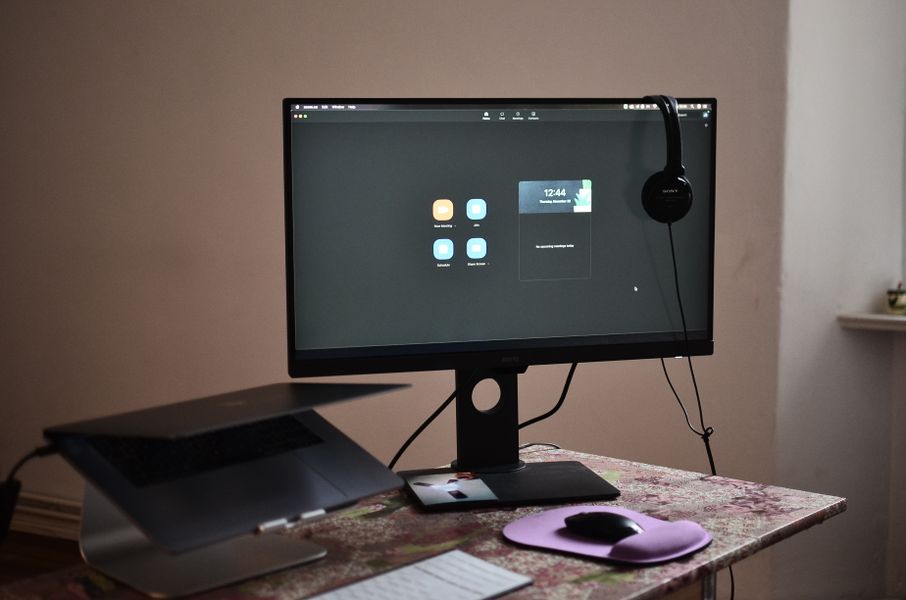
Remote work has changed the way teams communicate. Meetings, presentations, brainstorming sessions, and even casual conversations now happen through screens and headphones.
While remote work offers flexibility and convenience, it also creates new communication challenges. Poor audio quality can make meetings exhausting, while unclear visuals can make presentations and creative discussions harder to follow.
Fortunately, improving remote communication does not always require complicated solutions. Small improvements to the way teams handle audio and visuals can make online collaboration much smoother.
Why Clear Communication Matters in Remote Work
In an office, communication happens through more than just words. People can read body language, quickly ask questions, look at a colleague’s screen, or have a short conversation between meetings.
Remote teams have to recreate much of this experience digitally.
This makes audio and visual quality especially important. If someone constantly struggles to hear a speaker or understand what’s being shown on screen, the quality of the entire interaction suffers.
Clear communication helps teams:
- Reduce misunderstandings
- Stay focused during meetings
- Collaborate more efficiently
- Create better presentations
- Build stronger connections between team members
Creating a Better Audio Experience
Audio is one of the most important parts of remote communication. Even an excellent presentation can lose its impact when background noise, keyboard sounds, or conversations from nearby rooms interfere with the speaker.
This is particularly important for people who work from shared spaces, coffee shops, coworking environments, or busy homes.
Tools that improve microphone quality and remove unwanted background sounds can make online meetings significantly easier to follow. For Mac users, solutions such as Mac noise cancellation can be especially useful when you need clearer conversations without having to find a completely silent environment.
The goal isn’t necessarily to create studio-quality audio. It’s simply to make sure the speaker’s voice is easy to understand without distractions.
Making Remote Presentations More Visual
Good visuals can make remote communication much more engaging.
Instead of relying entirely on long explanations, teams can use screenshots, diagrams, illustrations, short videos, and other visual elements to communicate ideas more effectively.
This is particularly useful when explaining complex processes or presenting creative concepts. A well-designed visual can often communicate something in seconds that would otherwise require several minutes of explanation.
Visual content also gives remote teams more opportunities to communicate outside traditional meetings. Social media graphics, tutorials, presentation materials, and short-form videos can all help companies share ideas with customers and colleagues.
Turning Visual Skills Into New Opportunities
The ability to create engaging digital content has become valuable far beyond marketing departments.
Many people are using their creative skills to build audiences, promote businesses, and develop independent income streams. Whether it’s graphic design, video editing, photography, or social media content, there are more opportunities than ever to turn creativity into a professional skill.
For people interested in exploring this path, learning how to make money as a content creator can be a useful starting point. Understanding different content formats, platforms, and monetization methods can help creators turn consistent production into a sustainable opportunity.
Remote work has made this even more accessible because creators can collaborate with clients and audiences from almost anywhere.
Building a More Effective Remote Communication Setup
Improving remote communication doesn’t mean buying expensive equipment or completely changing your workflow.
Start with the basics:
- Improve your audio. Use a reliable microphone and minimize distracting background sounds.
- Improve your visuals. Keep presentations, screen shares, and creative materials clear and easy to understand.
- Choose the right tools. Different types of communication require different solutions.
- Keep meetings focused. Better technology cannot compensate for unclear agendas or unnecessary meetings.
- Make communication accessible. Captions, readable visuals, and clear audio can make online collaboration easier for everyone.
The Future of Remote Communication
Remote work will continue to evolve, but one thing is unlikely to change: people need to communicate clearly to work effectively together.
Better audio removes distractions. Better visuals make ideas easier to understand. Together, they create a remote working environment where teams can spend less time dealing with communication problems and more time actually getting work done.
The best remote setups aren’t necessarily the most expensive ones. They’re the ones that make communication feel simple, natural, and easy to understand.