

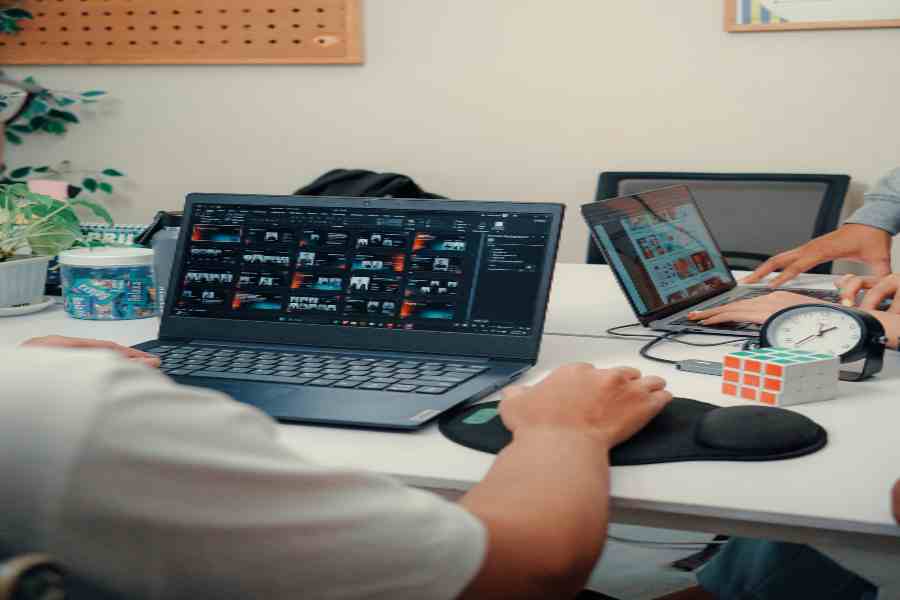
Simple workplace tools save time when they remove repetitive steps without creating another complicated system to manage. A text converter that strips unwanted formatting, a shared timer, a barcode scanner, or a radio for instant team communication can all solve narrow problems faster than a larger platform. The most useful workplace technology is often the tool that does one task clearly and requires very little training.
That principle applies to both desk-based and physical work. Office teams lose minutes cleaning copied text before it can be reused in another application, while retail or hospitality staff can lose the same amount of time trying to reach a colleague who is somewhere else in the building. The technologies look different, but they solve a similar problem: unnecessary friction between a task and its completion.
Why do simple workplace tools often save more time?
A specialised tool usually has fewer steps between input and result. Someone who needs plain text does not necessarily need a full document editor. In the same way, an employee who only needs to ask whether stock has arrived may not need to unlock a phone, open a messaging application, find a colleague, and type a message.
Simple utilities are especially useful for tasks that happen many times during a working day. Saving 30 seconds once has little effect, but removing the same unnecessary sequence dozens of times changes the workflow noticeably.
They also reduce training requirements. When a tool has a narrow purpose, new employees can understand it quickly without learning an entire software ecosystem. This makes straightforward technology particularly useful for small businesses and teams with a mix of office-based and frontline roles.
Which everyday tasks benefit from dedicated tools?
Workplace inefficiency often appears in small actions rather than major processes. Copying text between systems can introduce broken formatting. Staff may repeatedly switch between applications for basic conversions. Employees working away from desks may need to stop what they are doing simply to check a message.
The following tasks are good candidates for lightweight tools:
- Text cleanup: Removing HTML, extra spaces, unwanted line breaks, and formatting before content is pasted into another system.
- Quick calculations: Using a dedicated calculator or converter instead of opening a spreadsheet for a single value.
- File conversion: Changing a common file into the format required by another application without launching larger editing software.
- Team communication: Giving frontline staff a direct voice channel when they need short operational answers rather than detailed written exchanges.
- Temporary note capture: Recording information quickly before it is transferred into the system where it needs to be stored permanently.
- Scanning and identification: Using barcode or QR tools when manual entry would add unnecessary time and typing errors.
How can licence-free two-way radios reduce communication friction?
For teams working in the same physical location, voice communication often needs to be immediate rather than detailed. A hotel receptionist may need to check whether a room is ready. A shop-floor employee may need someone in the stockroom to confirm availability. An event worker may need to contact another part of the venue without leaving a position unattended.
In these situations, licence-free two-way radios provide a straightforward communication option without requiring employees to use a personal mobile phone for every short exchange. PMC Telecom offers PMR446 radios intended for short-range communication in environments where teams need simple push-to-talk contact without setting up a licensed professional radio system.
The useful feature is not the radio itself so much as the reduction in steps. A worker presses a button, speaks, and receives an answer. There is no login process, contact search, message composition, or dependence on whether another employee is actively watching a screen.
When does radio communication make sense?
Radio communication works particularly well when employees are mobile but remain within the same workplace or site. Retail stores, schools, hospitality venues, smaller warehouses, leisure facilities, and event teams are typical examples because many conversations are brief and operational.
It is less useful for information that needs a permanent record. Detailed instructions, customer information, schedules, documents, and formal decisions still belong in the appropriate digital system. The radio handles the moment of communication, while workplace software handles information that needs to be stored or reviewed later.
How do text utilities and radios solve the same productivity problem?
At first, a plain-text converter and a two-way radio seem unrelated. One is a browser utility for digital content, while the other is physical communication hardware. Their productivity value, however, follows the same principle: both remove avoidable intermediate steps from a common task.
| Workplace need | Larger approach | Simpler tool | Friction removed |
| Remove formatting | Open and edit a document manually | Plain-text utility | Reformatting and cleanup |
| Contact nearby staff | Call or send an app message | Two-way radio | Searching, typing, and waiting |
| Convert a measurement | Build or open a spreadsheet | Unit converter | File setup and formulas |
| Capture a code | Type characters manually | Barcode or QR scanner | Manual data entry |
| Make a quick note | Create a full document | Lightweight note tool | Formatting and file setup |
Why does simplicity matter when businesses choose technology?
Businesses sometimes evaluate technology by counting features, even when employees use only a small fraction of them. A product with more functions can be the right choice for a complex process, but additional features also bring configuration, training, maintenance, and more opportunities for users to take the wrong path through a task.
A better question is whether the tool matches the size of the problem. If a task requires collaboration, permissions, reporting, and long-term records, a broader business platform is justified. If the task is simply removing formatting from copied text or contacting a colleague on another floor, a focused utility may be faster.
This approach also prevents tool overload. Adding another large platform for every operational issue can leave staff switching between dashboards throughout the day. Smaller tools work best when their purpose is obvious and they fit around existing systems rather than trying to replace them.
How can businesses decide whether a simple tool is enough?
A simple tool is usually enough when the task is repetitive, easy to define, and does not require extensive records or complex decision-making. The business should look at how often the task occurs, how many steps employees currently take, and whether the information needs to be saved after the action is complete.
When those conditions are clear, lightweight technology can be surprisingly effective. Saving time does not always require a major automation project or another software subscription. Sometimes the most practical improvement is removing one unnecessary click, one formatting problem, or one delay in reaching the person who has the answer.