


Blocking malware is only one layer of protection. Just as important is whether your DNS queries are being logged, stored, or shared, and by whom. This is a critical factor to weigh when choosing the best privacy-focused DNS provider for your family or your business.
Below, we’ve compared some of the top options for privacy-focused browsing, breaking down their privacy specifics and key features so you can find the right fit.
| DNS Provider | Privacy specifics | Encryption Protocols | Key Features | Best for |
| 1. Control D | Opt-in DNS query logging with full control by users | DNS over HTTPS (DoH), DNS over TLS (DoT), DNS over QUIC (DoQ), DNS over HTTP/3 (DoH3) | ● Malware Blocking
● Web and Content Filtering ● Service Filtering ● Custom Filtering ● DNS Filtering ● Multi-Tenancy ● Data Streaming (SIEM) ● Analytics and Admin Logs ● Traffic Redirection ● Integrations
|
Individuals, Schools, Non-profits, Startups, SMBs and large enterprises.
|
| 2. NextDNS | Logging enabled by default, user configurable | DoH, DoT, DoQ | ● Malware and phishing attack protection
● Ads and trackers blocking ● Parental control ● Analytics and logs ● Quick setup ● Unlimited Configurations ● Custom allow/deny lists ● Customizable block page and more |
Individual users, families, businesses
|
| 3. AdGuard DNS | Full control over DNS queries by users within the private AdGuard DNS server | DoH, DoT, DoQ | ● Ad blocking
● Parental control ● Real-time statistics ● Customized filtering |
Families, SMBs and large enterprises
|
| 4. Quad9 | No IP address data logging | DoT, DNSCrypt | ● Real-time malware and threat blocking
● Enhanced privacy measures with no data logging ● Free with no sign-up required |
Individuals, homes and families |
Privacy-Focused DNS Provider Solutions: Top 4 Picks
1. Control D
Best for: Individuals, Schools, Non-profits, Startups, SMBs and large enterprises.
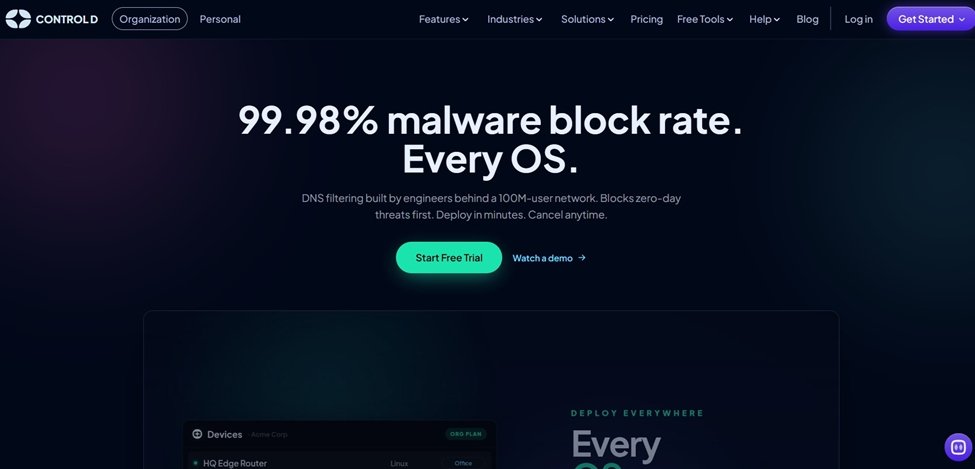
Control D is a fully customizable DNS filtering solution built to give everyone from individual users and SMBs to large enterprises a safer, more secure online experience.
It lets teams tailor filtering rules to their exact needs, from blocking specific domains and apps to setting granular allow/block permissions for individual team members, while providing detailed analytics into network activity and performance, all from a single dashboard.
Privacy Specifics and Encryption: Control D supports the full range of modern encrypted DNS protocols, such as DNS over HTTPS (DoH), DNS over TLS (DoT), DNS over QUIC (DoQ), and DNS over HTTP/3 (DoH3). These encrypt DNS queries so third parties can’t view them, adding a layer of protection against common threats like DNS spoofing and helping businesses meet data privacy compliance requirements.
Control D also offers a 100% opt-in for DNS query logging, which means that users have full control over what DNS queries are being logged, how and where they are stored.
As one of the best privacy-focused DNS solution providers, Control D also supports a wide range of other key features, including:
- Malware Blocking
- Web and Content Filtering
- Service Filtering
- Custom Filtering
- DNS Filtering
- Multi-Tenancy
- Data Streaming (SIEM)
- Analytics and Admin Logs
- Traffic Redirection
- Integrations
Pricing:
Control D offers free public resolvers with no account required, personal plans starting at $3/month, and SMB pricing starting at $2/endpoint/month. All paid plans include a 14-day free trial with no card required.
Limitations: The free resolvers use fixed presets, so custom rules, analytics, and per-device profiles require a paid plan.
2. NextDNS
Best for: Individual users, families, businesses
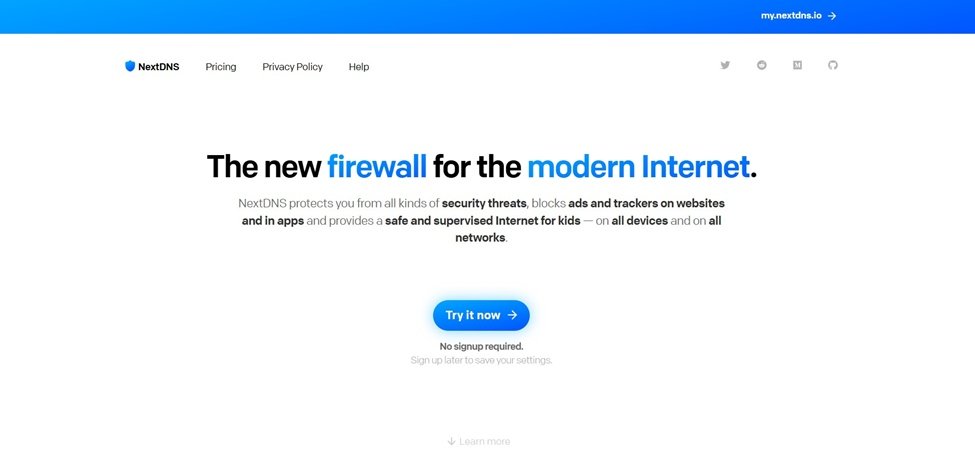
Next in line is NextDNS, positioning itself as the “new firewall for the modern internet”. It helps its users (from parents and kids to businesses) stay protected from common online threats like malware, phishing attacks, ads, and trackers, on all devices and networks.
Privacy Specifics and Encryption: NextDNS gives users control over their logging footprint. Logs are enabled by default on new profiles, but you can disable DNS query logs entirely for a no-log experience, or fine-tune what’s logged, how long it’s retained, and in which jurisdiction it’s stored. It also supports modern encrypted DNS protocols, including DNS-over-HTTPS (DoH), DNS-over-TLS (DoT), and DNS-over-QUIC (DoQ).
NextDNS’s other key features:
- Malware and phishing attack protection
- Ads and trackers blocking
- Parental control
- Analytics and logs
- Quick setup
- Unlimited Configurations
- Custom allow/deny lists
- Customizable block page and more
Pricing: You can start using NextDNS using its free plan with 300,000 queries/ month, or upgrade to paid plans with more features, starting at $1.99/ month.
Limitations: The Free tier query cap can be limiting for households or organizations with many devices.
3. AdGuard DNS
Best for: Families, SMBs and large enterprises
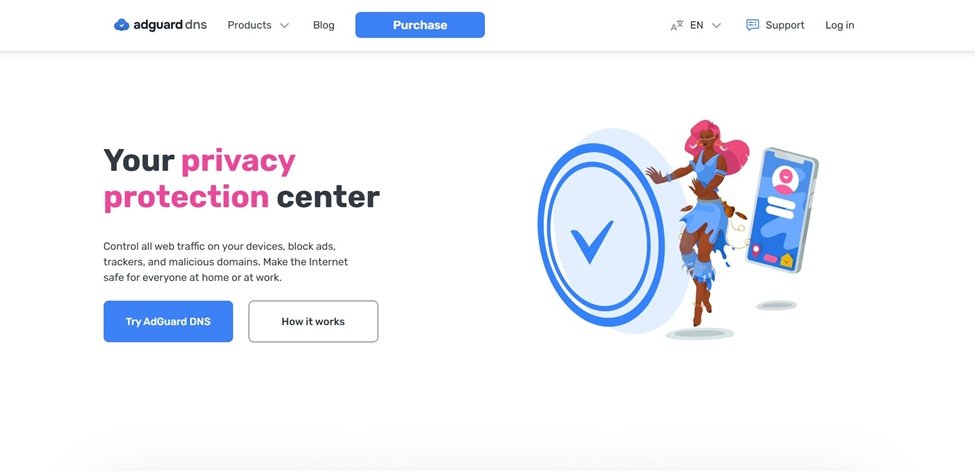
AdGuard DNS is a DNS server solution built specifically for ad and tracker blocking, and designed to give both home users and businesses a cleaner, safer browsing experience.
Privacy Specifics and Encryption: By using a private AdGuard DNS server, users can stay in full control of their DNS queries by observing statistics, logs, blocking or modifying them. It also supports modern encryption protocols like DoH and DoT, as well as DoQ.
AdGuard DNS’s other key features:
- Ad blocking
- Parental control
- Real-time statistics
- Customized filtering
Pricing: AdGuard DNS offers a starting free plan with 300,000 monthly queries, with its paid plans starting at $2.49/ month.
Limitations: Just like in case of NextDNS, the monthly query cap in the free plan may be limiting if you or your organization uses many devices at once.
4. Quad9
Best for: Individuals, homes and families
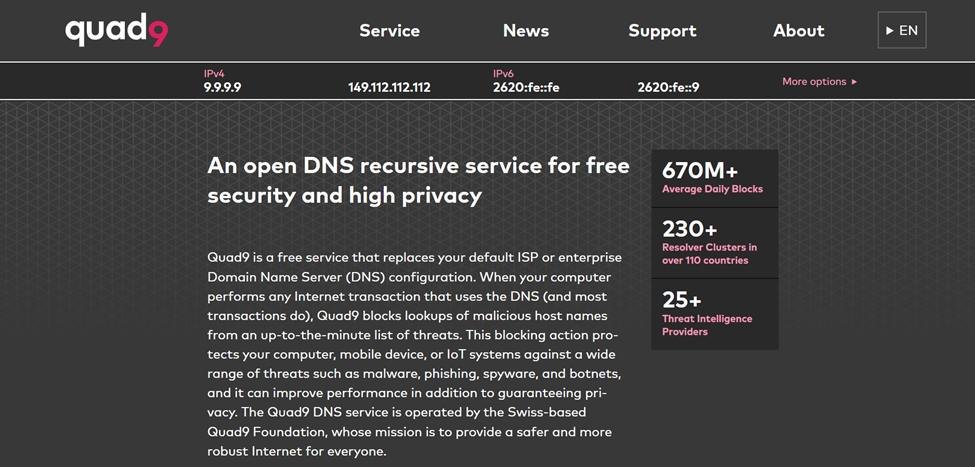
Last but not least, Quad9 is a public and free DNS service provider that protects users from common threats like phishing, botnets, or malware by blocking lookups of malicious hostnames from an updated threat list.
Privacy Specifics and Encryption: Within its privacy policy, Quad9 claims to never log any data containing your IP address in any of its systems. It also supports modern encryption protocols, such as DNS-over-HTTPS, DNS-over-TLS, and DNSCrypt.
Quad9’s other key features:
- Real-time malware and threat blocking
- Enhanced privacy measures with no data logging
- Free with no sign-up required
Pricing: Quad9 is completely free to use.
Limitations: Unlike the other tools on this list, Quad9 doesn’t offer customizable content blocking or custom allow/deny lists. It applies a fixed blocklist rather than letting users configure their own filtering rules.
To Sum Up
Choosing a DNS provider strongly depends on how much control you want over your own data.
Options like Quad9 offer solid protection with minimal setup, while providers like NextDNS and AdGuard DNS give you more control over logging and filtering.
But if you’re looking for a provider that combines strong privacy fundamentals with the flexibility to shape your DNS experience exactly how you want it, Control D is a solid starting point to consider.
Any of the options above is a meaningful upgrade for your privacy, so it’s worth testing a few before committing to one final provider, especially since most of these tools offer free tiers.